Product tour
See the whole product picture.
Explore the real screens behind a more connected way to build, change, and release products.
Start with the work in front of you
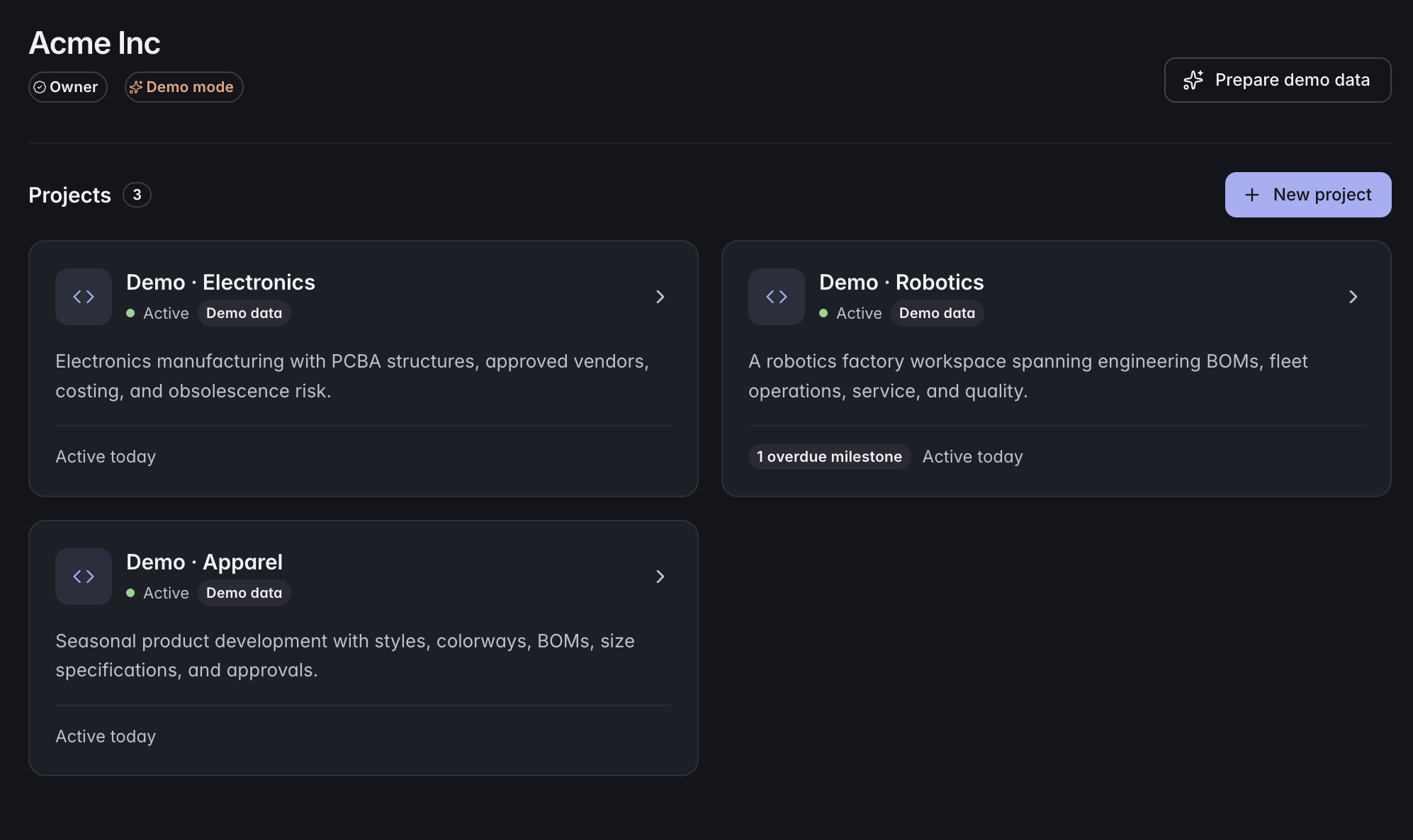
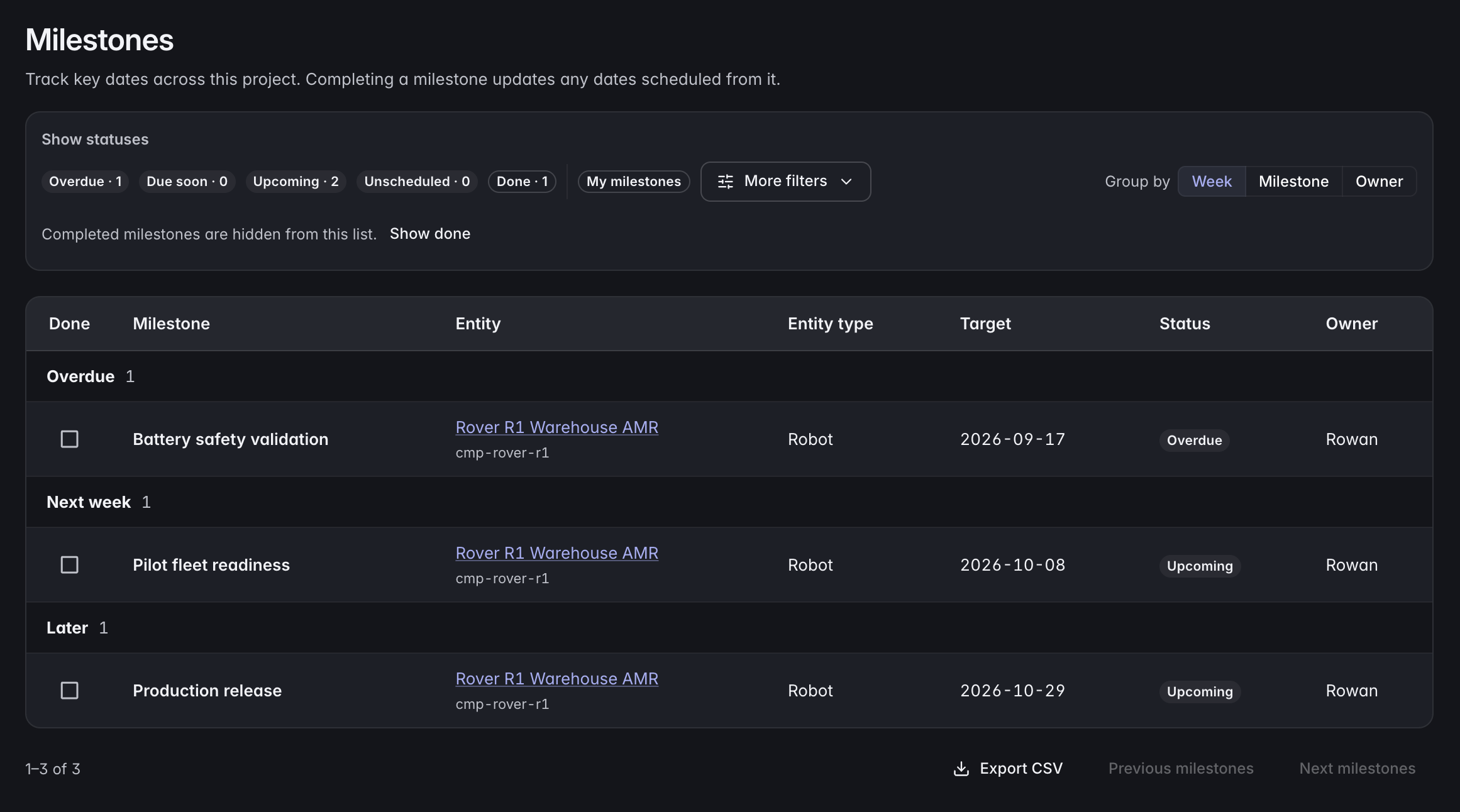
See your projects and milestones, then open the workspace review inbox for assigned, pending, or returned changes. Follow each item into its full review.
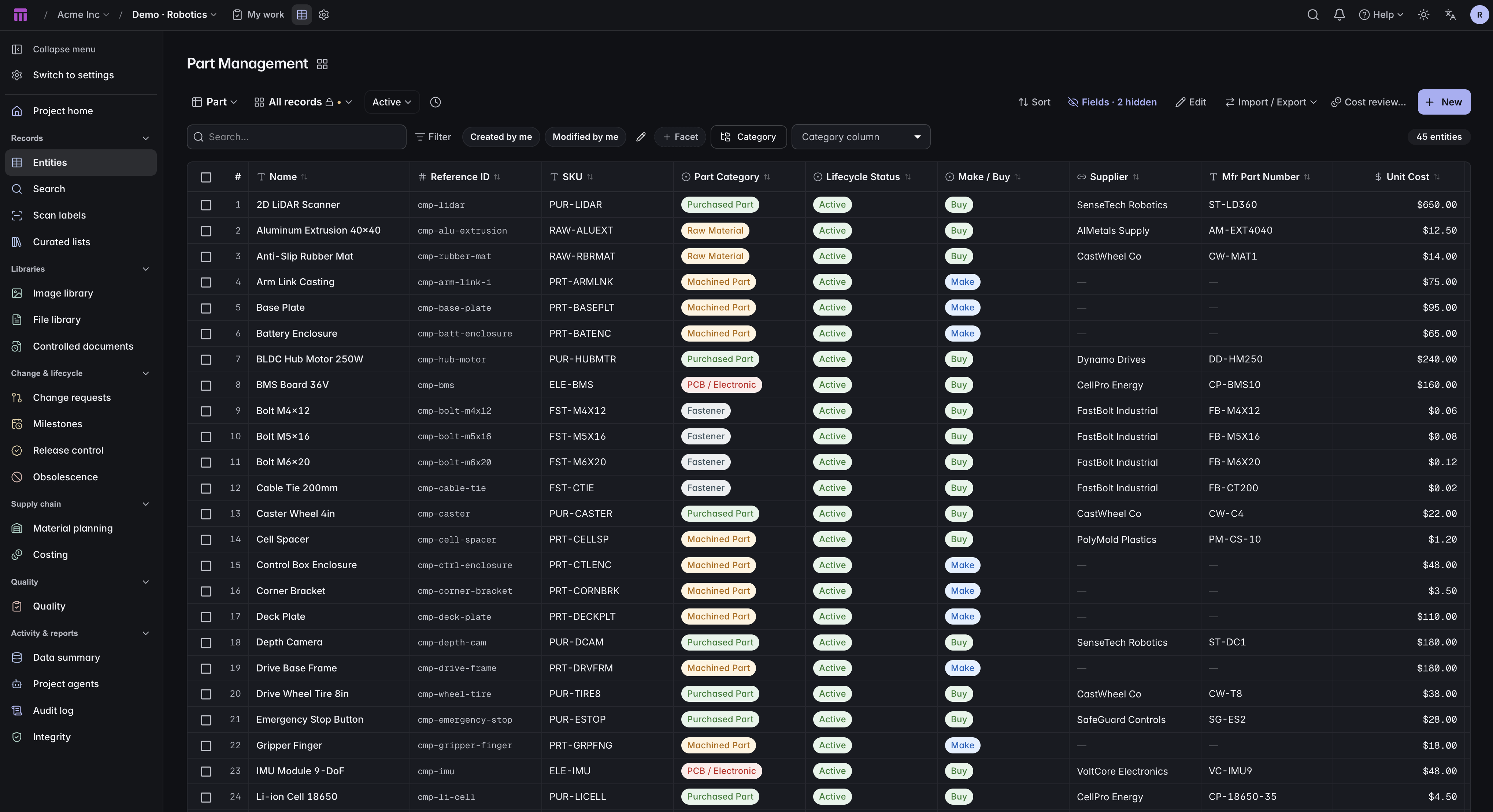
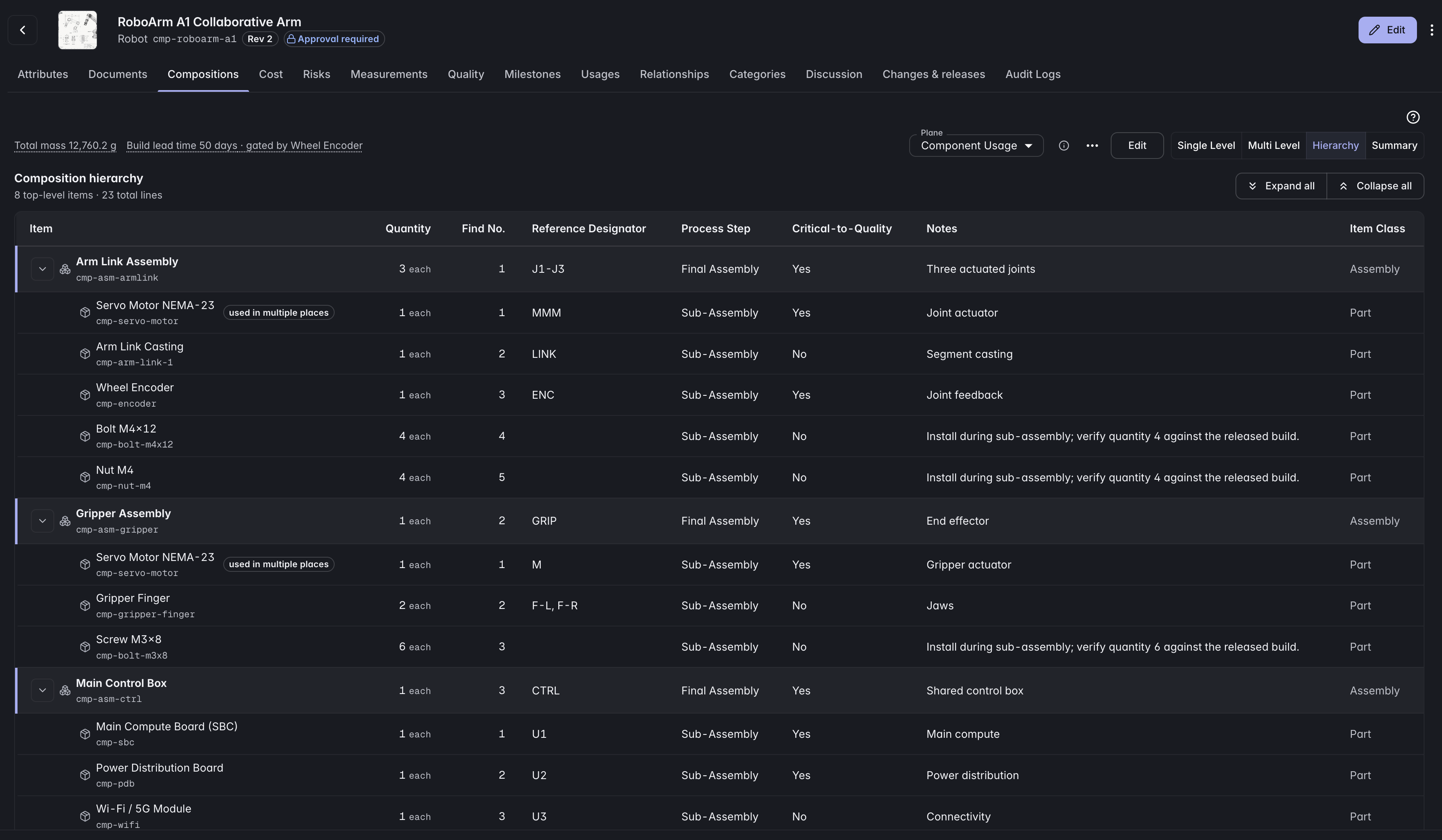
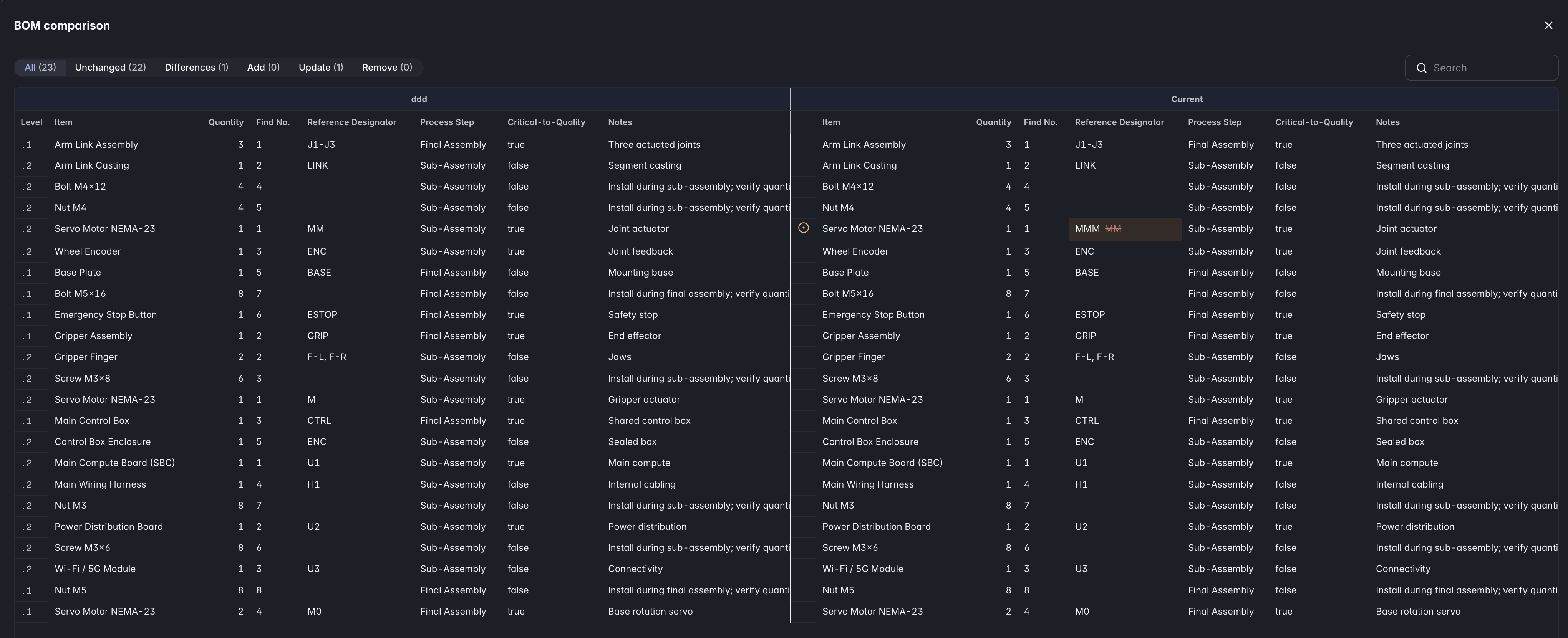
From a single part to the whole product
Find the right part, trace its place in a multi-level BOM, and compare two structures side by side.
Make every change accountable
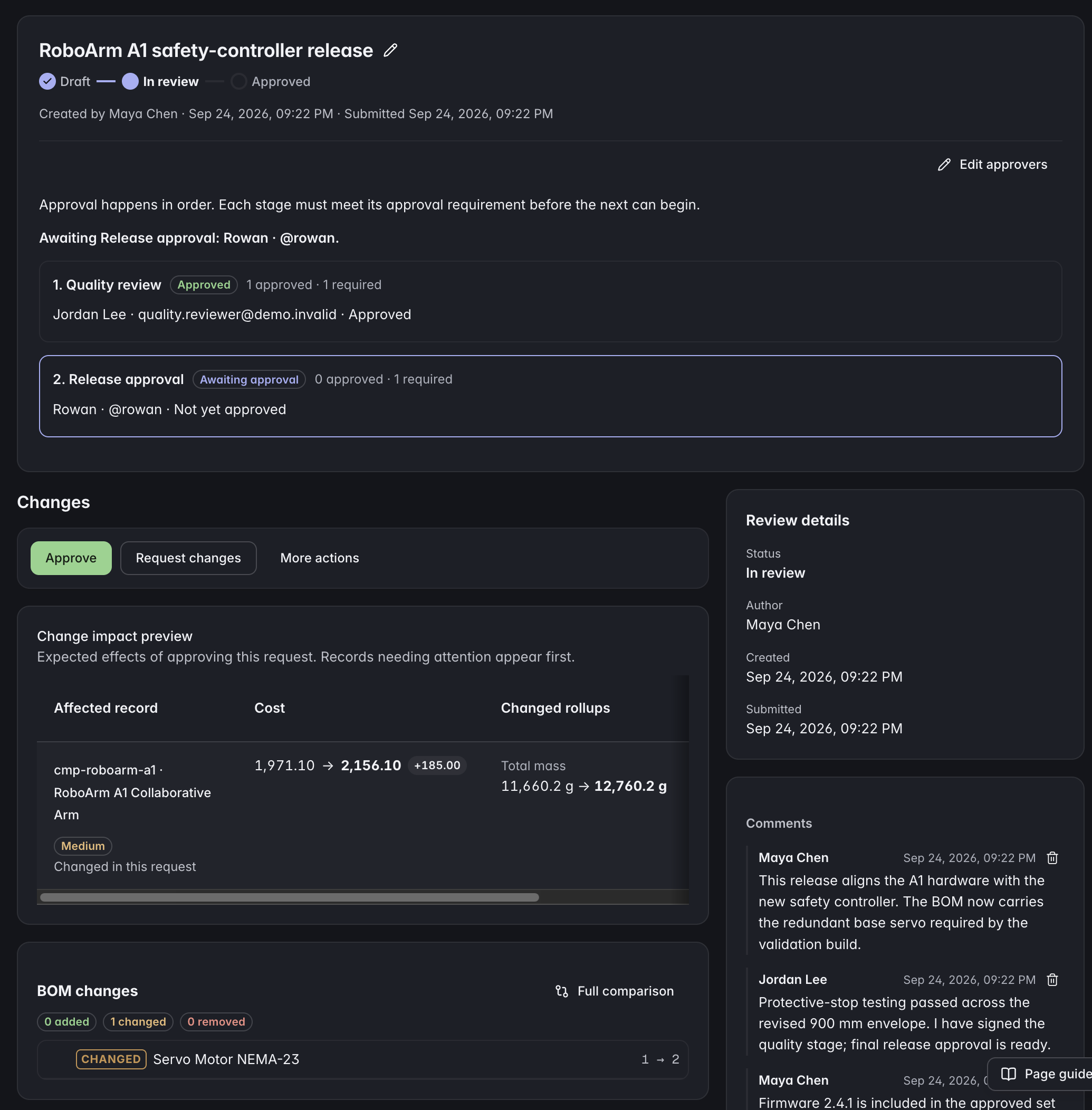
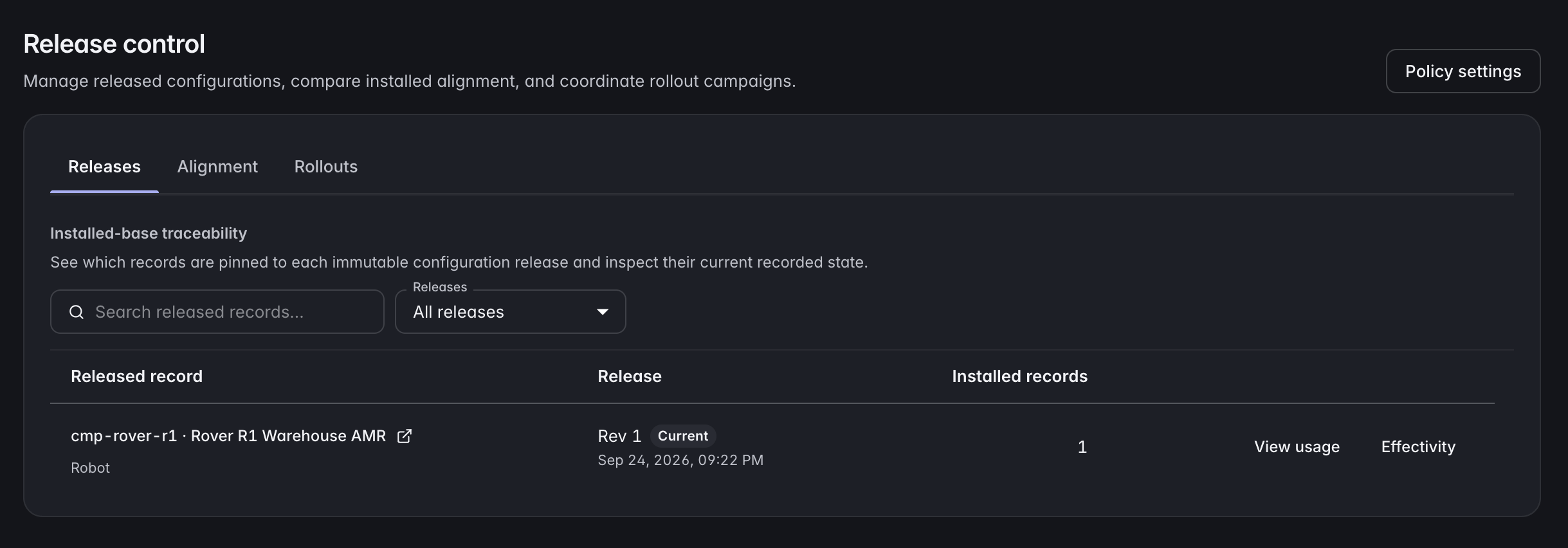
Review proposed edits before they change the product record. Keep the approved revision, its required document and inspection evidence, and the released assembly configuration traceable.
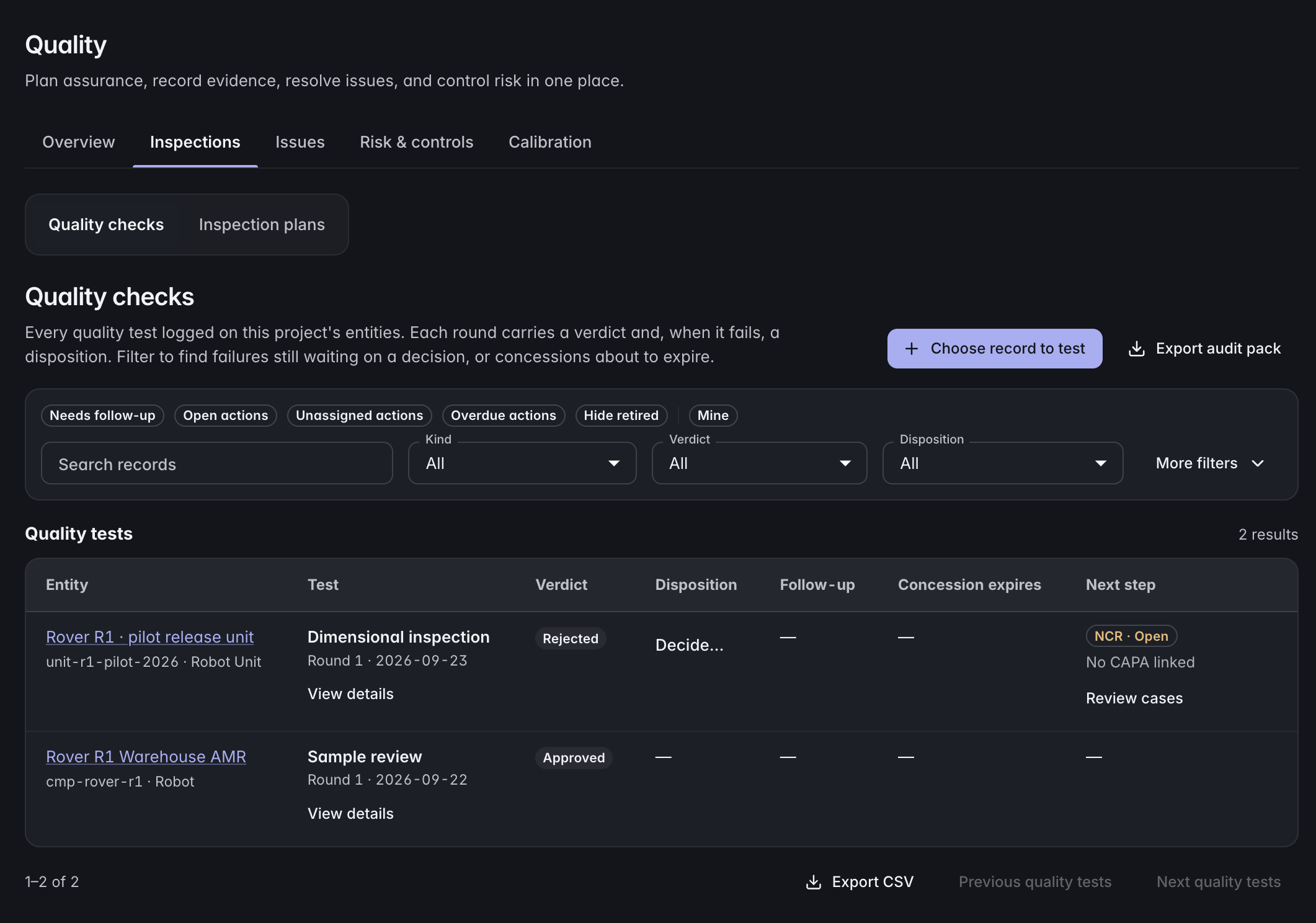
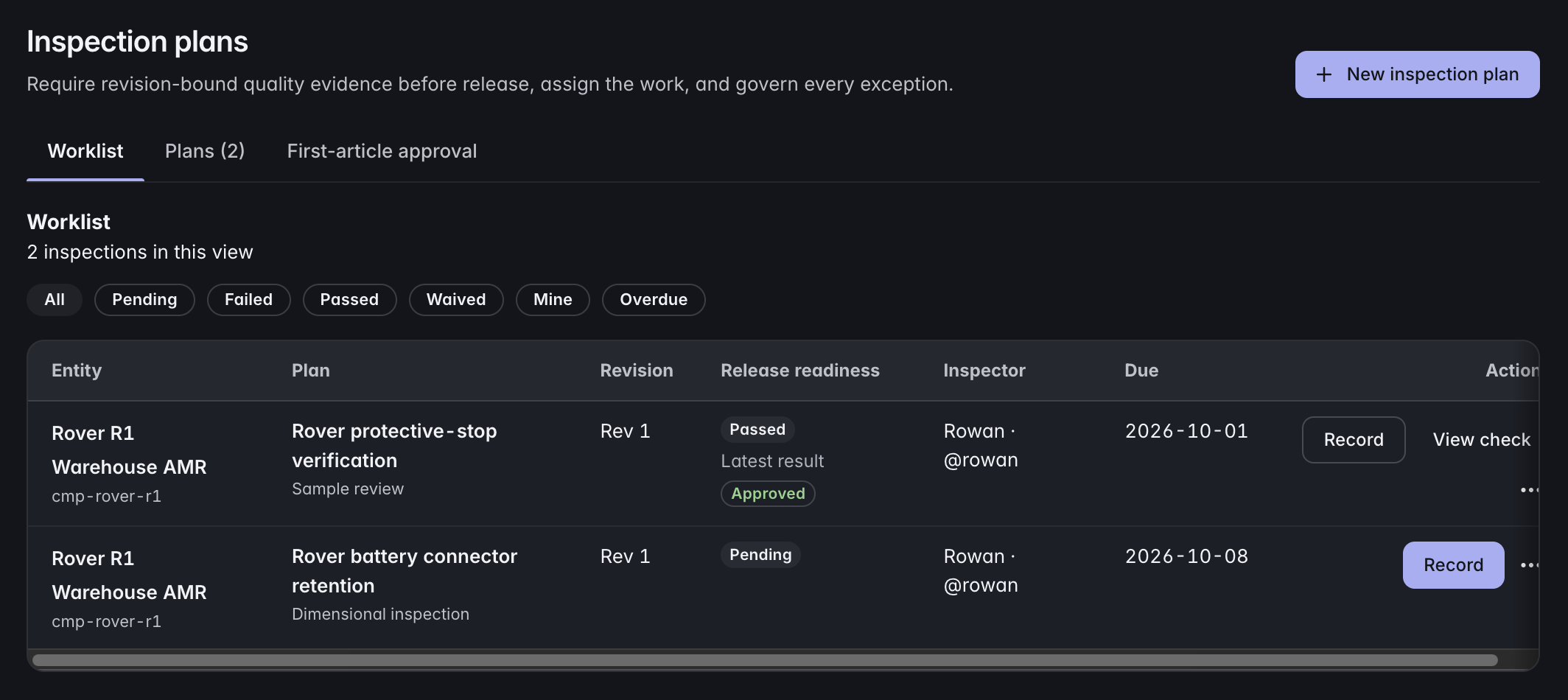
Keep quality close to the product
Plan inspections and record quality checks against the product data they concern.
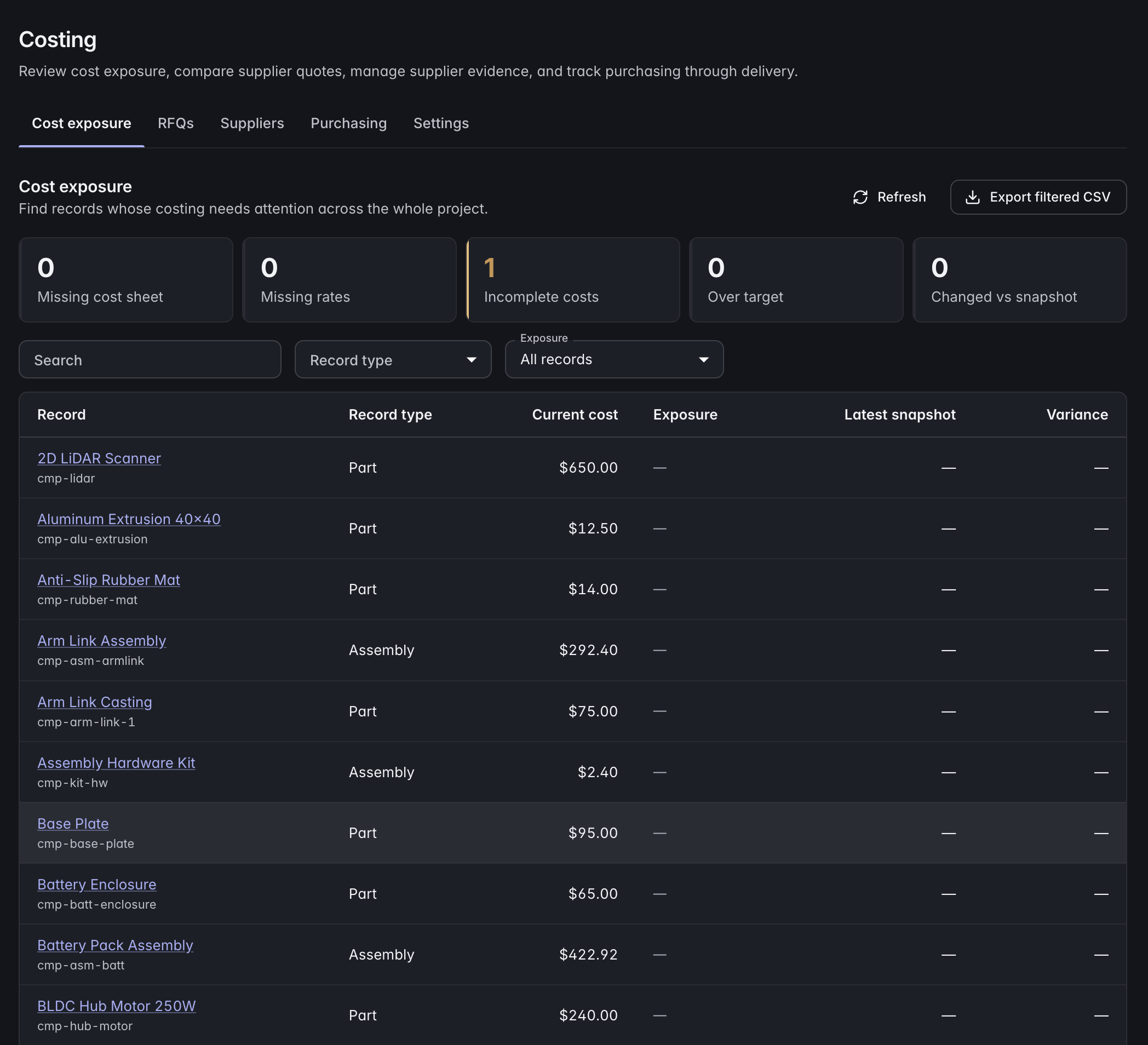
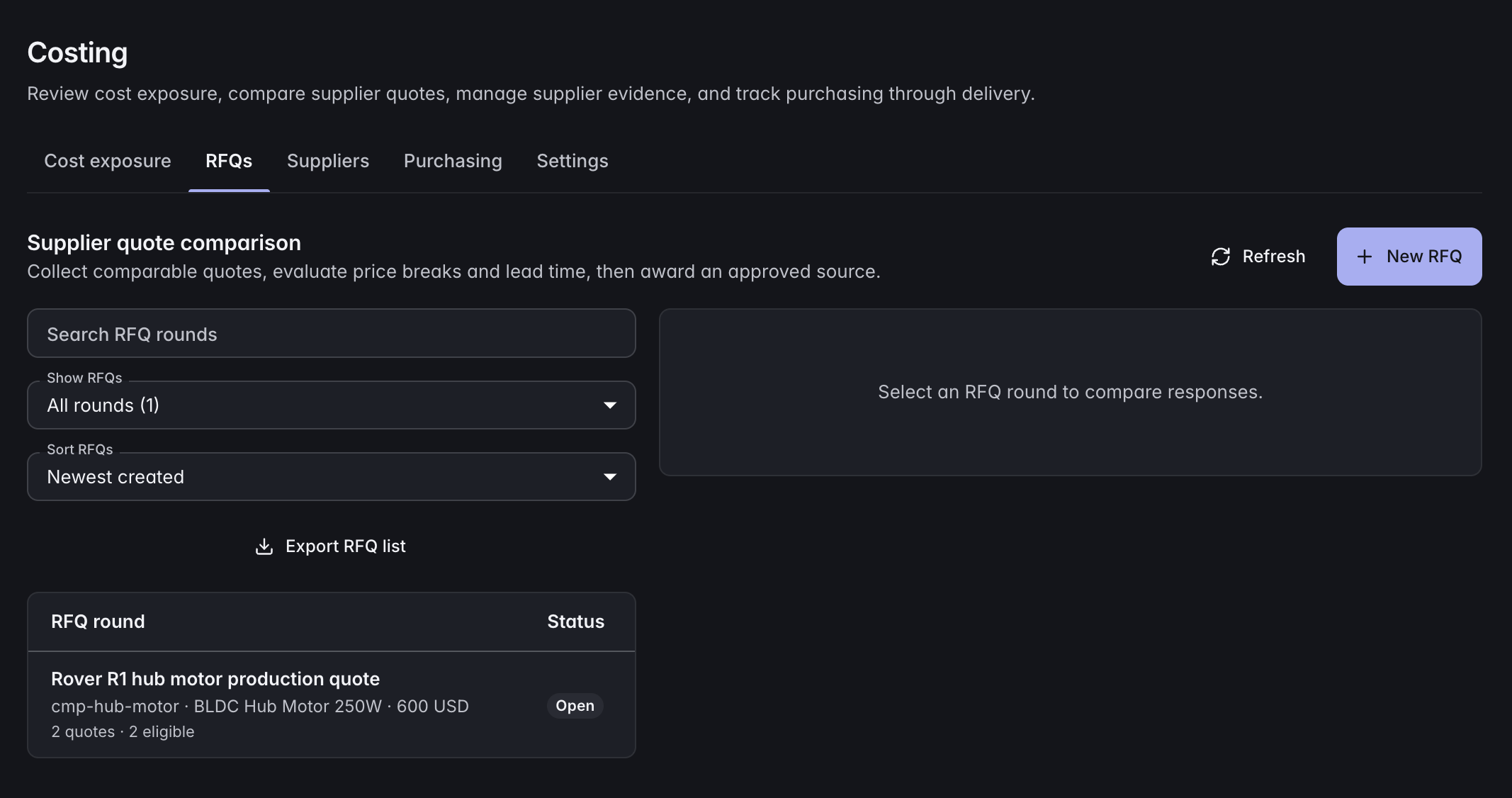
Understand the cost of each decision
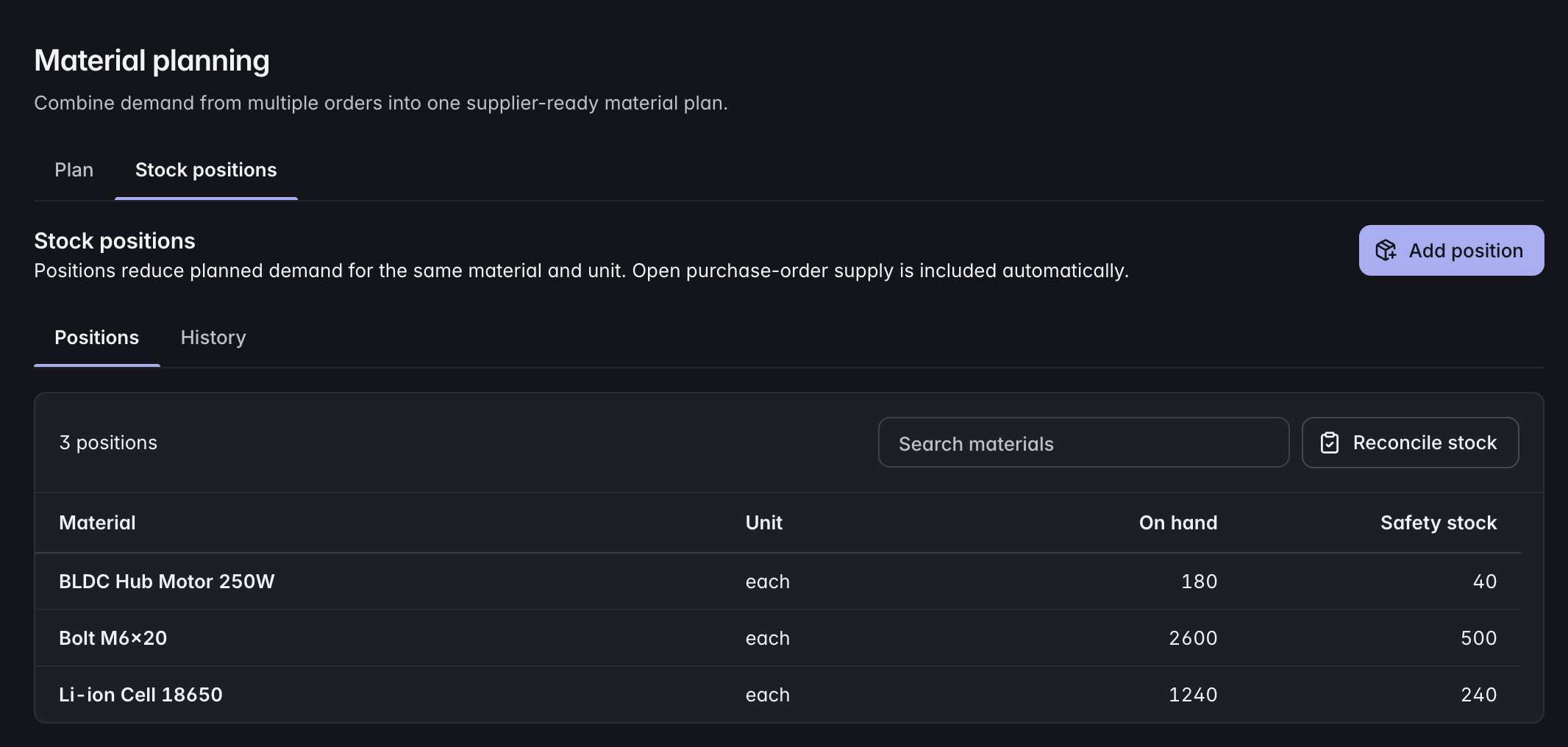
Look at cost exposure, compare supplier quotes, and plan materials with the product structure in view.
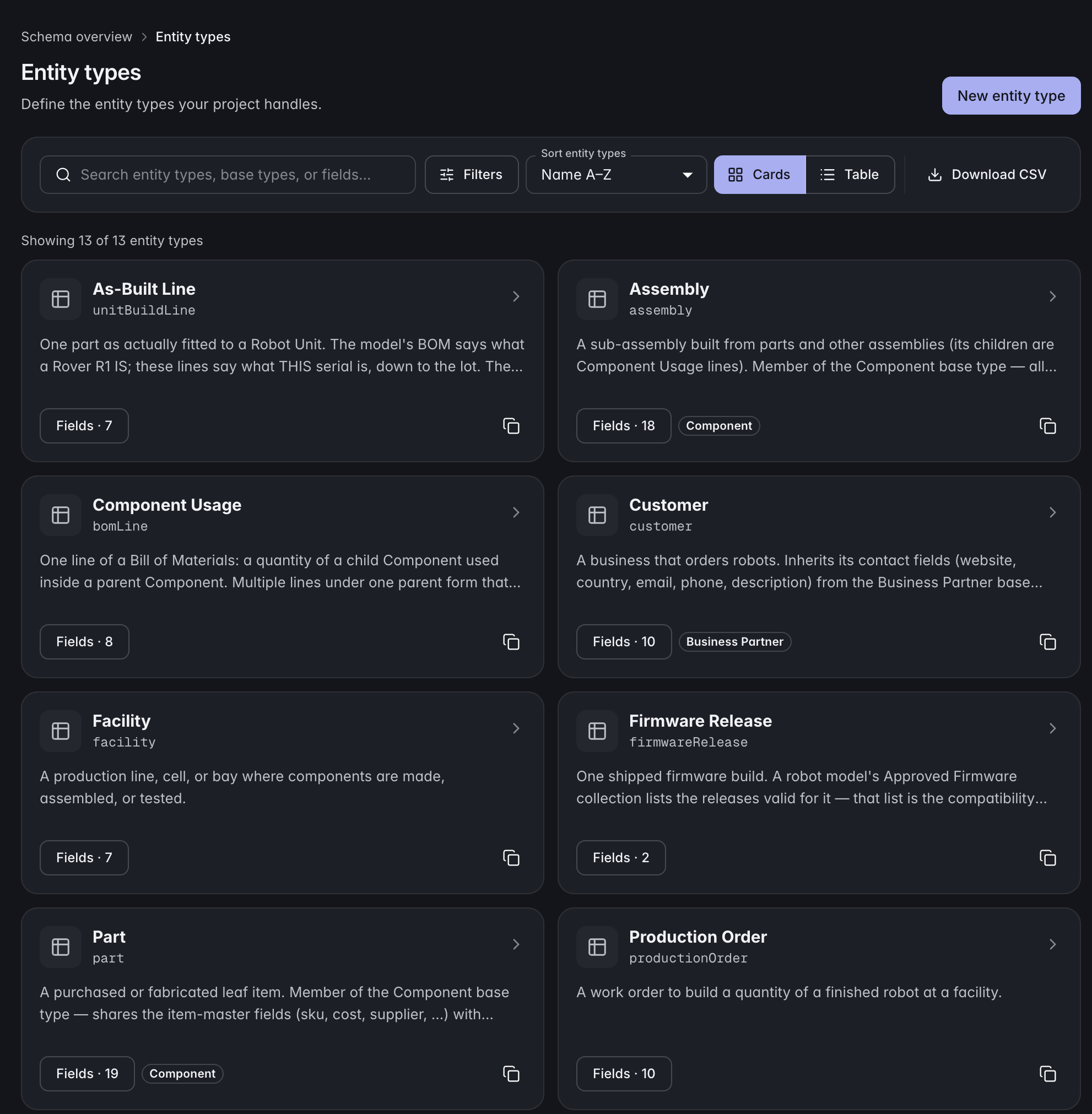
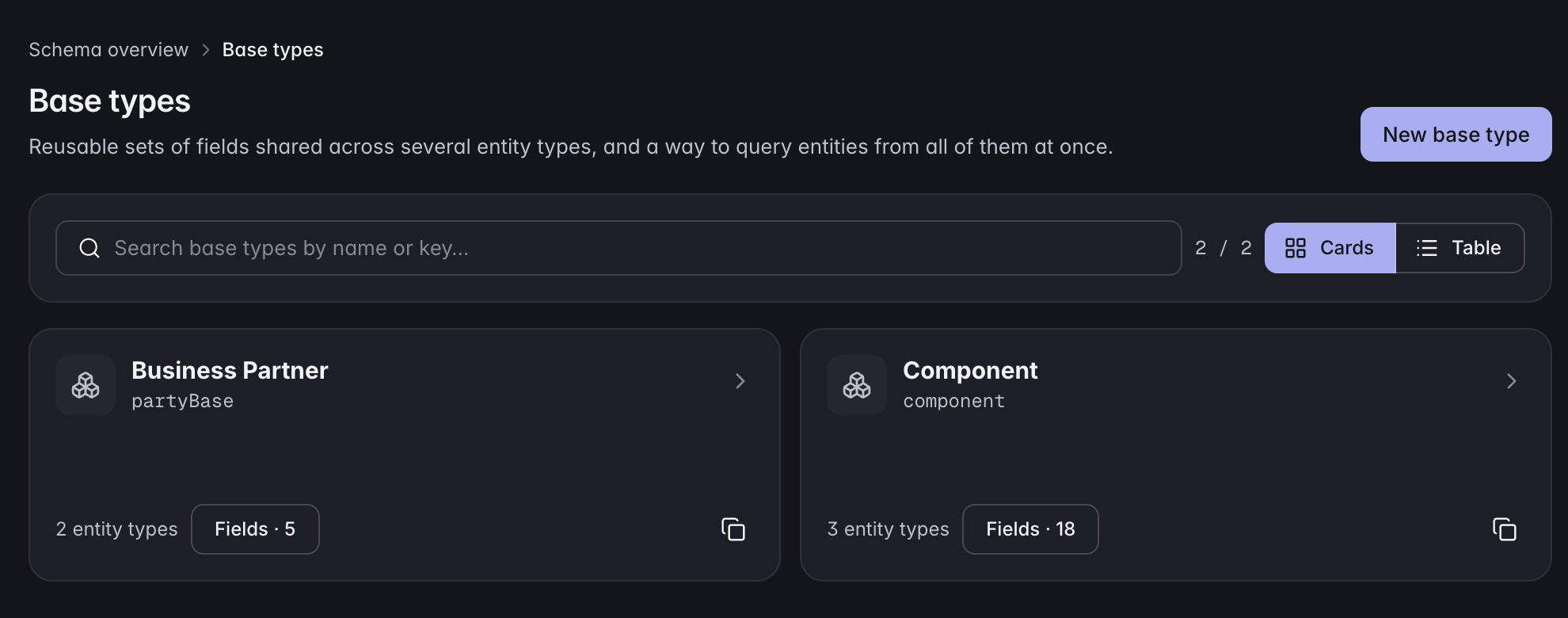
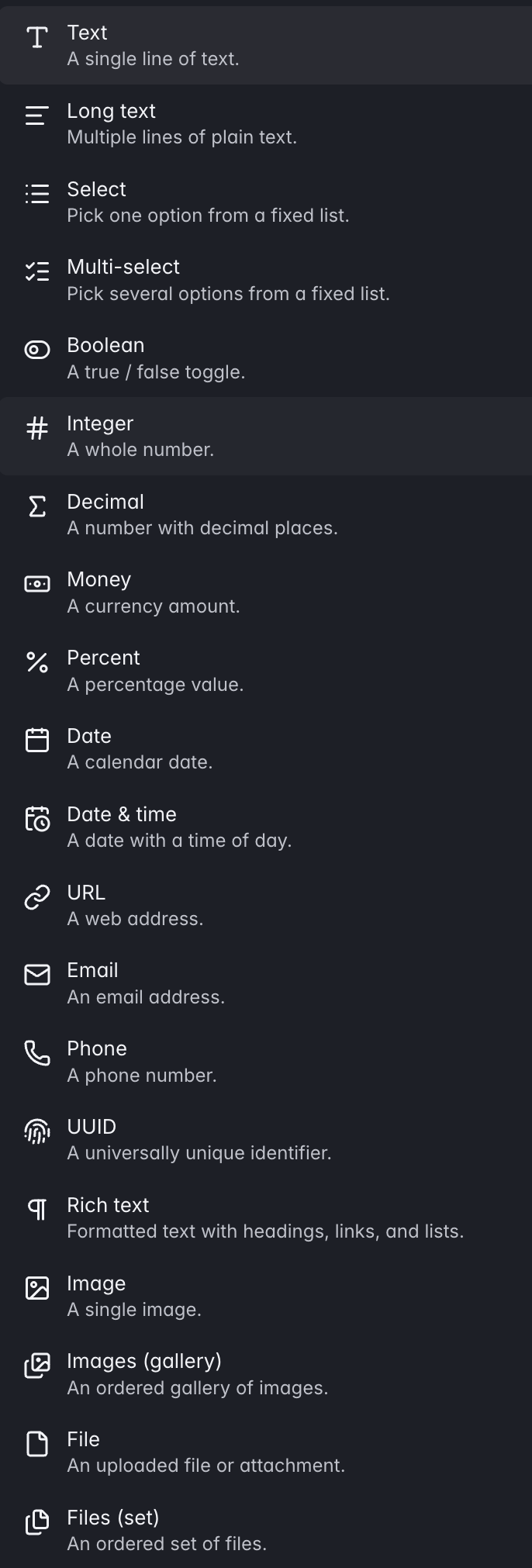
Model what your product actually is
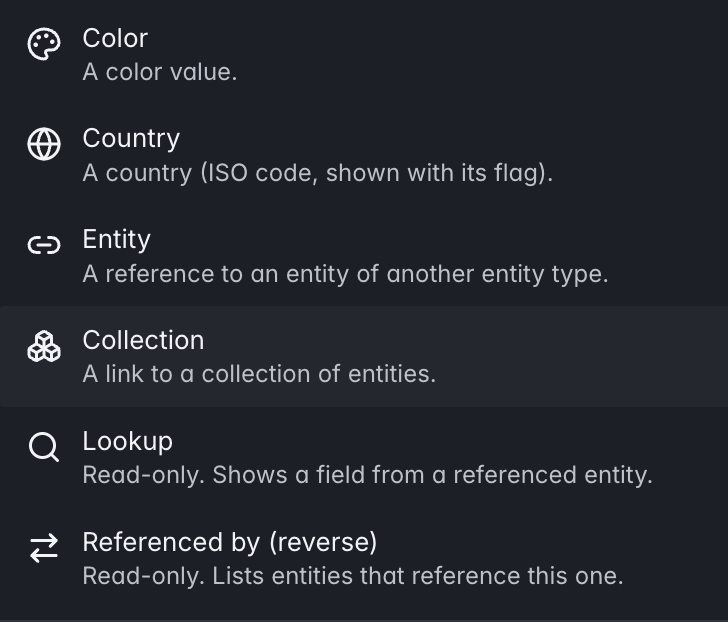
Use more than 20 field types and real relationships between records. Polymorphic base types share common fields while each entity type keeps its own detail.
From proposed change to installed product
Follow the evidence behind a release.
Connect the approved change to its documents, inspections, and assembly configuration. Each decision leaves a record the next person can follow.
- Review the change
What changed?
Prepare edits in a working copy, inspect the diff, and preserve the approved product revision.
Change request · Approved revisionExplore the workflow - Check the evidence
What is still missing?
Check required documents, inspection evidence, and blockers for the product revision. A human makes the certification decision.
Document revisions · Inspection evidenceExplore the workflow - Release the configuration
What are we releasing?
Check the assembly structure and component revisions, then release an exact configuration with a recorded effectivity decision.
Configuration release · EffectivityExplore the workflow - Follow the rollout
Where did it go?
Assign rollout work, follow installed records, and identify configurations that need reconciliation.
Rollout work · Configuration driftExplore the workflow
Product revision certification, assembly configuration, as-built state, and shipment eligibility each have their own checks.