Customer-specific product models
Link products to customers and their specifications. Use typed fields and relationships to capture requirements for each program.
Explore Data modelConnect customer product records with specifications, assemblies, supplier decisions, and approved changes. Preserve the product configuration and evidence behind each release.
 Click to enlarge ↗
Link products to customers and their specifications. Use typed fields and relationships to capture requirements for each program.
Explore Data modelReuse components across customer products while keeping each BOM’s quantities, alternates, and revisions in context. Follow where-used before making a change.
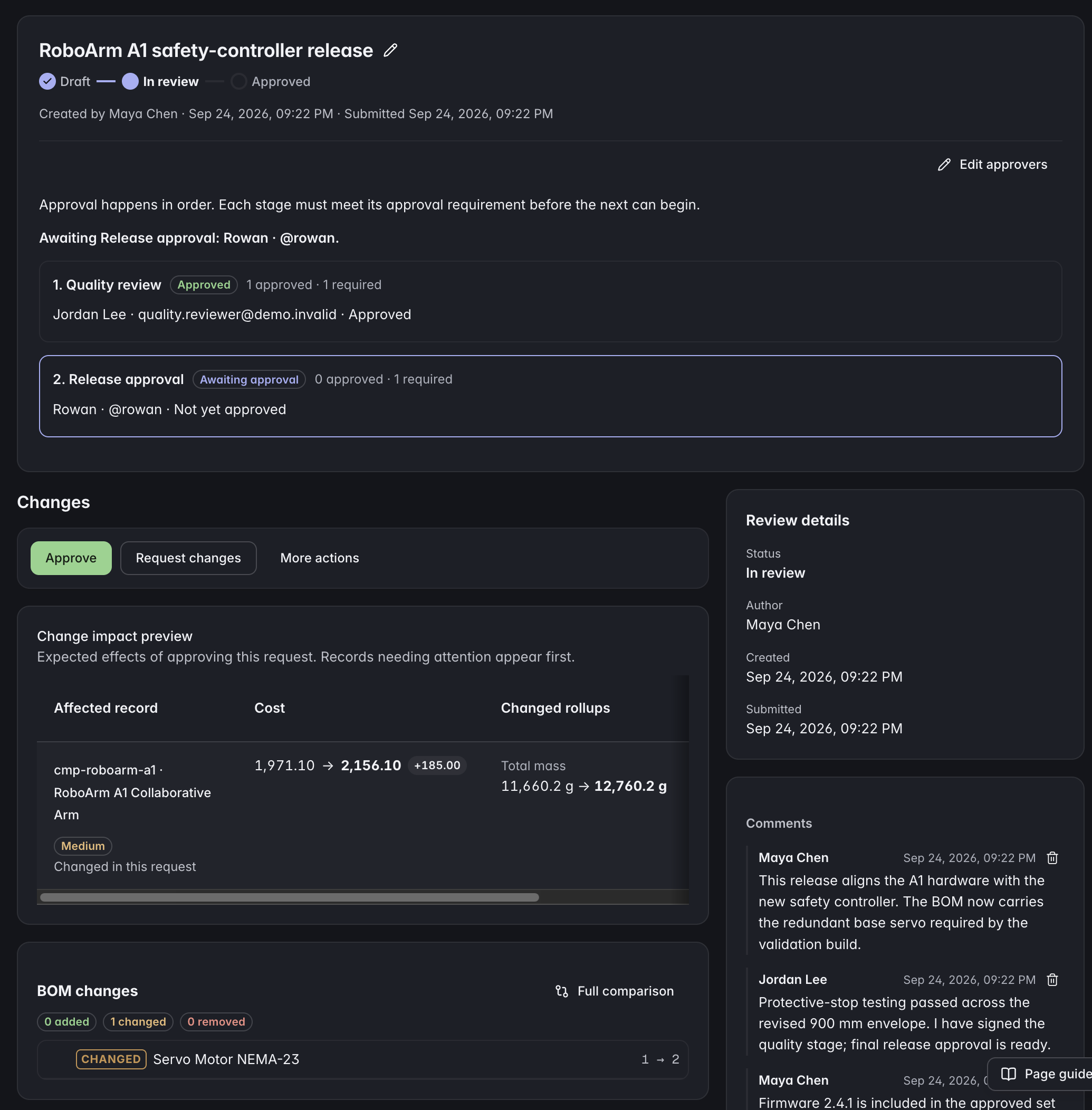
Explore Bills of materialsPrepare changes in a working copy, assign reviewers, and preserve approved revisions. Keep the proposal, decision, and affected records connected.
Explore Change controlConnect required documents and quality evidence to release decisions. Preserve the released assembly configuration and the recorded state of built units.
Explore Release controlExample records to connect
Define customer programs, products, assemblies, components, and supplier records with explicit relationships. Shared base types let common parts coexist with customer-specific product detail.
ManyRows supports products across industries. Use a starter template, extend the model, or build your own from an empty project.
Explore the modelling toolsYes. Model the assembly once, reference it from each product BOM, and use where-used to identify the products connected to it.
Yes. Release control preserves the assembly configuration and required evidence associated with the release decision. Design revision and as-built state remain distinct records.
A customer relationship is product data. Workspace and project access are managed separately through your access settings.
Review the plans and included capacity on the pricing page. You can start with a 7-day trial without a card.