Shared findings and assembly BOMs
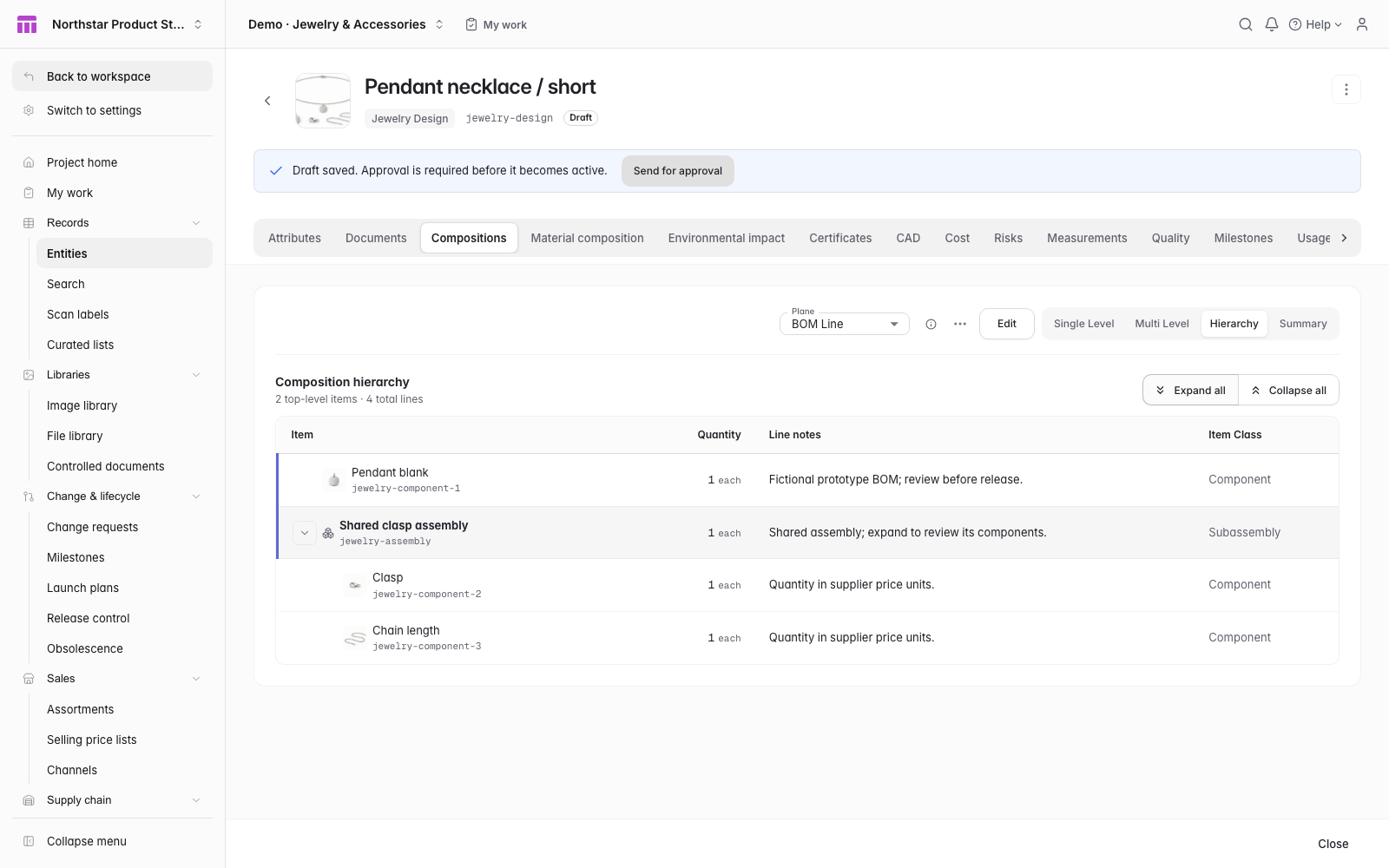
Reuse clasps, chains and other findings across designs. Expand a shared assembly to review its exact components and trace where they appear in the range.
Explore Bills of materialsBring shared findings, chain assemblies, finish and dimension specifications together. Review supplier costs and physical sample corrections before a pilot order and inspected internal release.
 Click to enlarge ↗
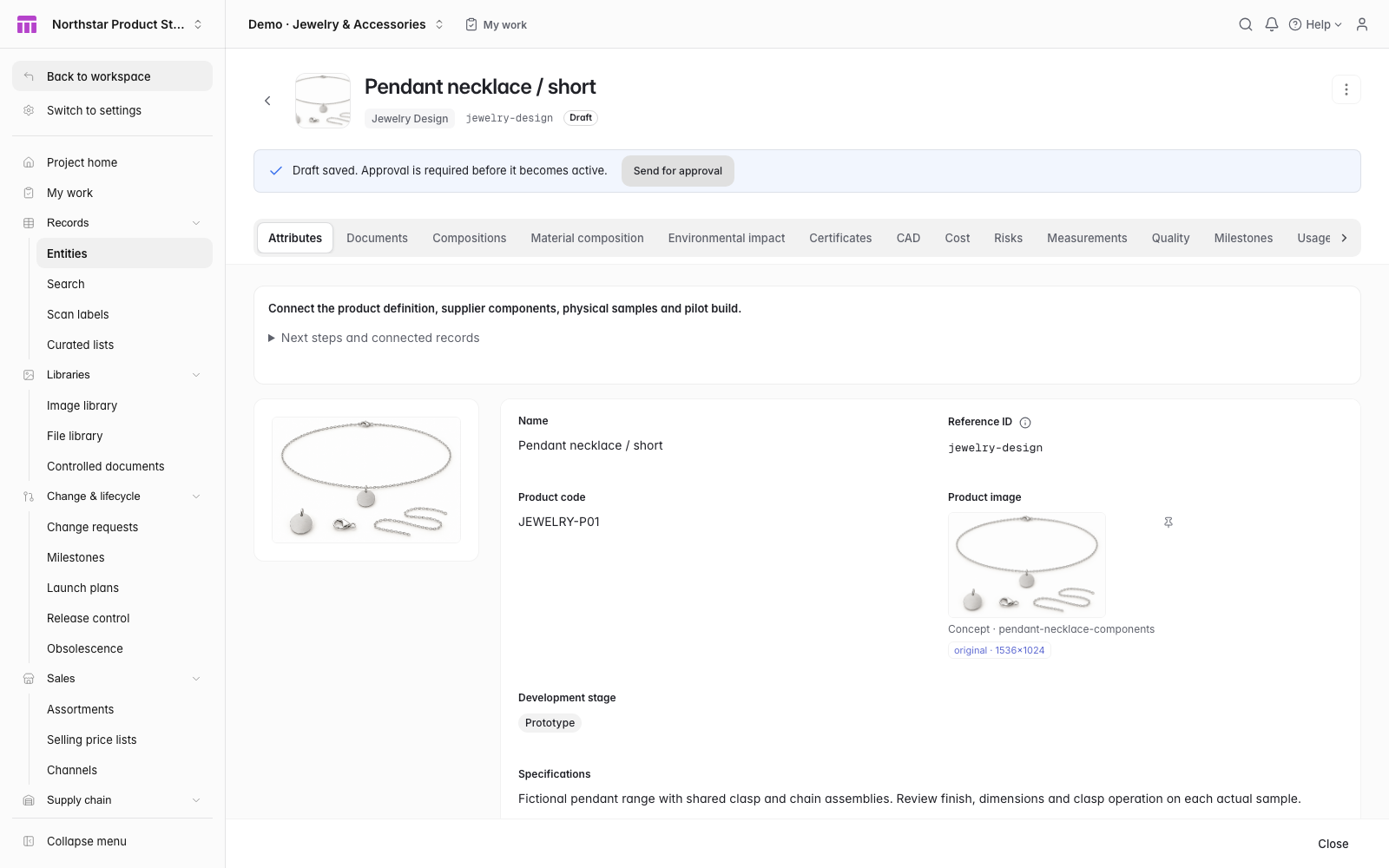
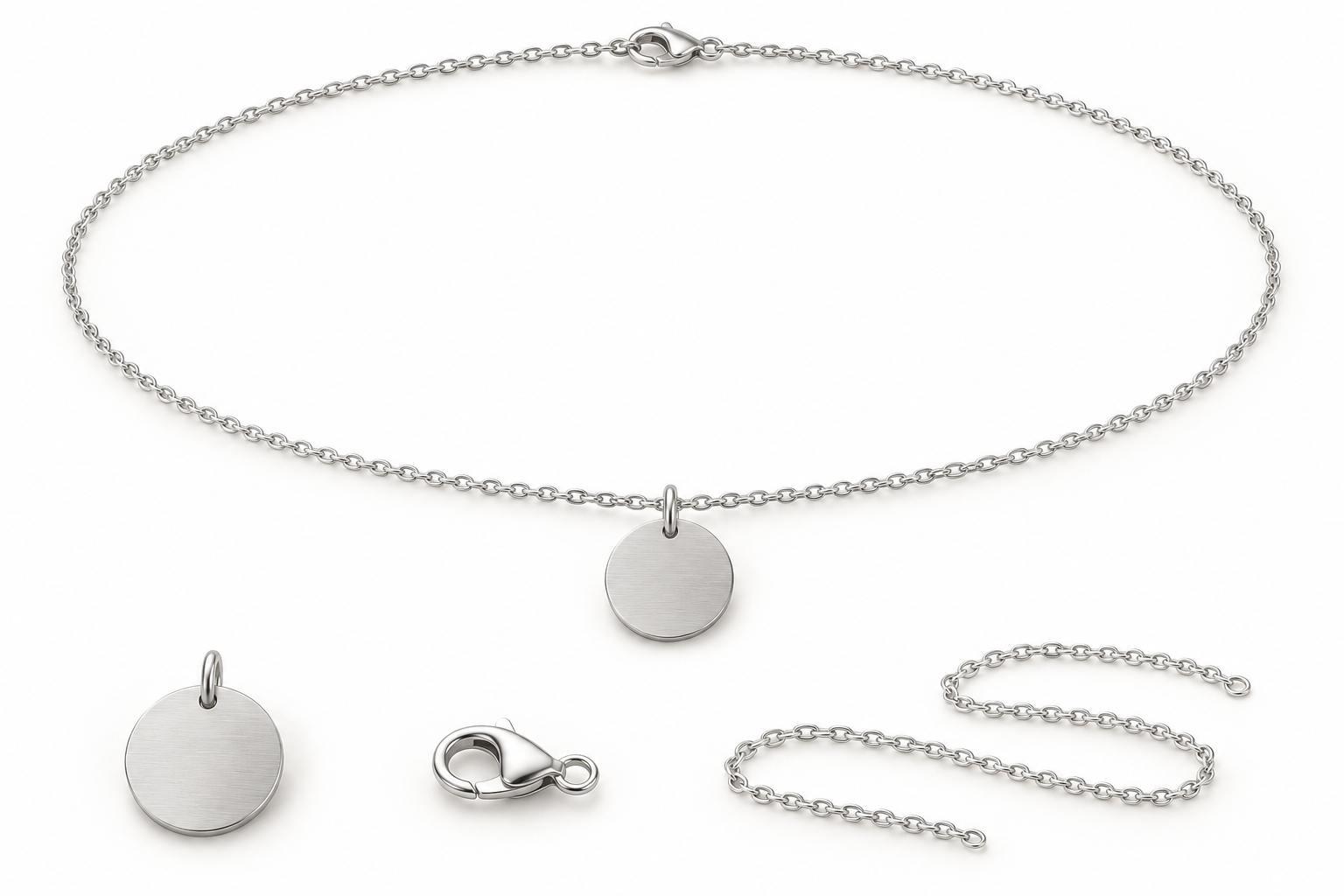
Connect the pendant blank, clasp and chain to the necklace design. Review shared findings alongside the finish specification and each physical sample’s observations.
 Enlarge product illustration
  Click to enlarge ↗
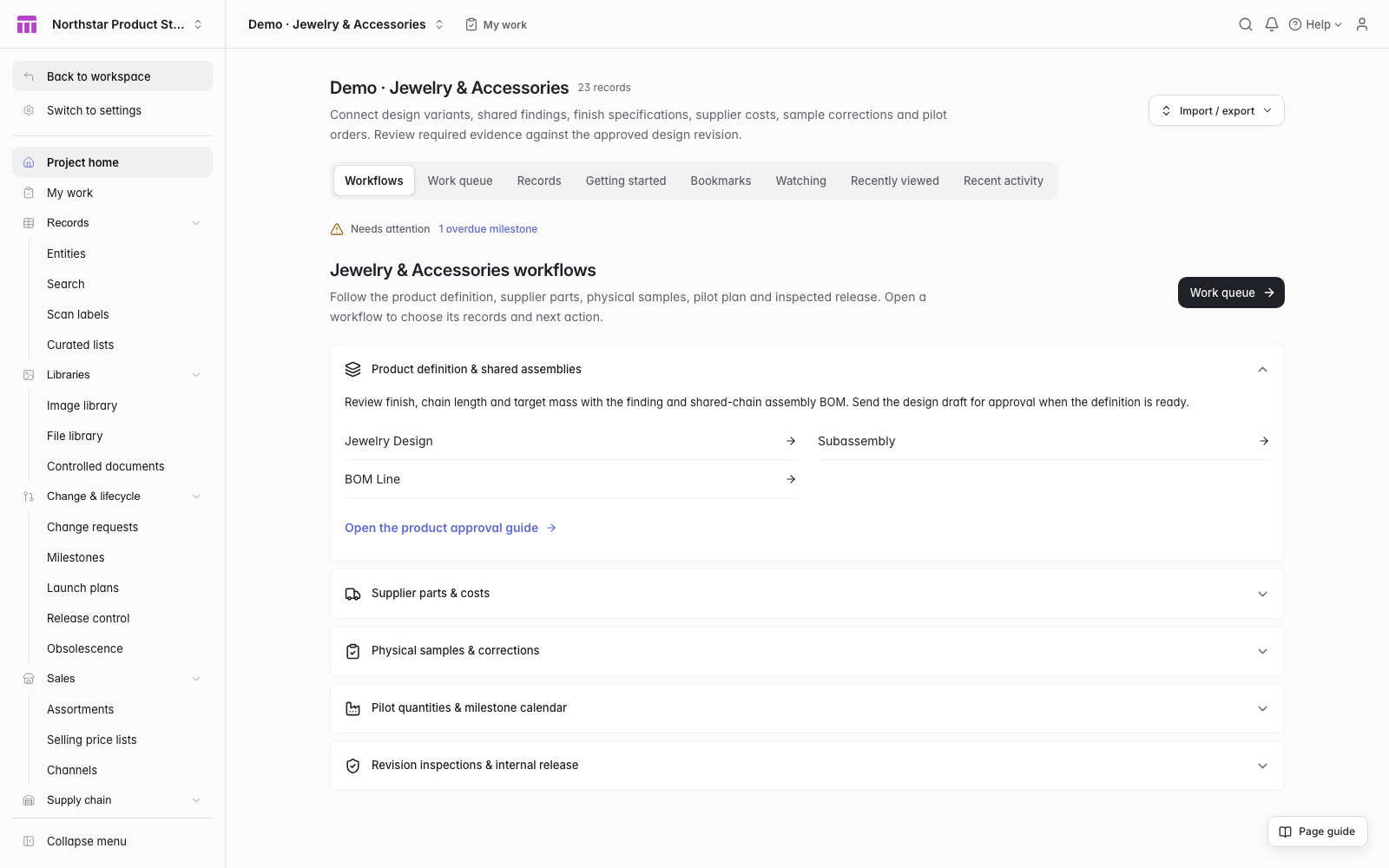
See the project’s products, attention items and next actions together.
 Click to enlarge ↗
Review the pendant blank, clasp and chain pictures inside the expanded design BOM. Shared findings retain their own quantities and where-used relationships.
Native ManyRows interface · Fictional example data and AI-generated concept illustrations
 Click to enlarge ↗
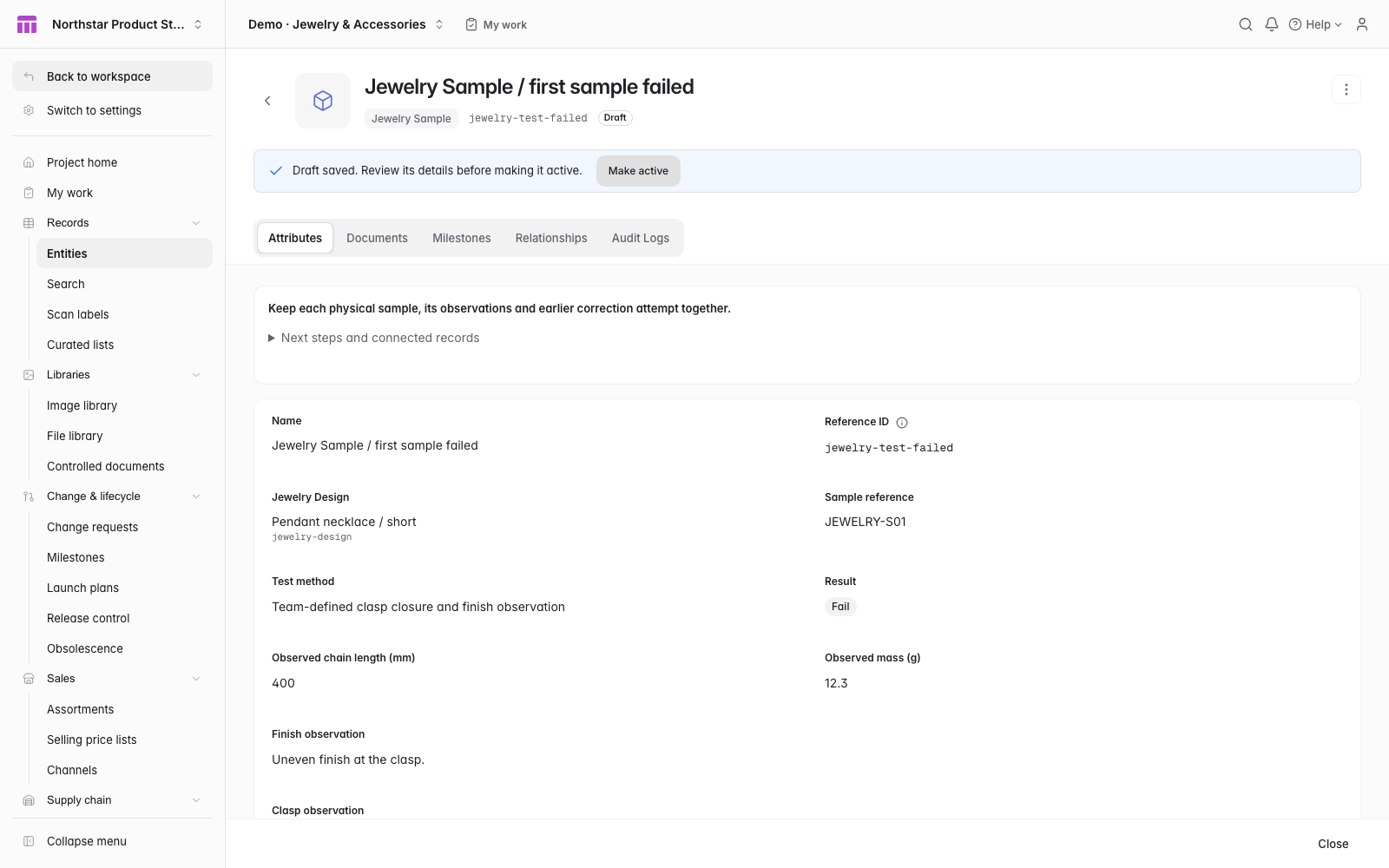
Keep industry-specific measurements beside the method, conditions and evidence reference for each physical attempt.
 Click to enlarge ↗
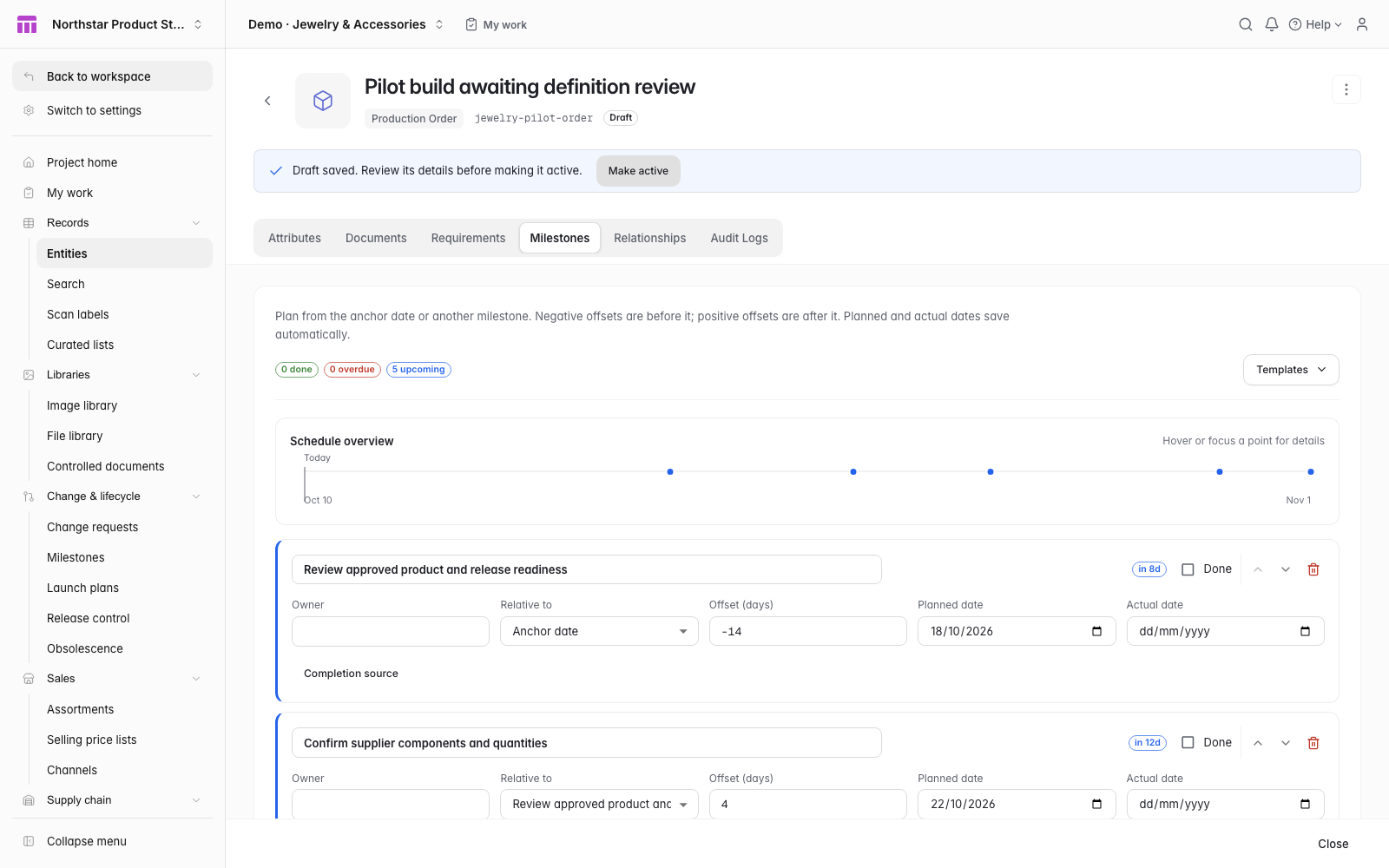
The five-step calendar keeps target dates tied to the order’s due date. Enter owners, actual dates and completion explicitly.
Preview the model before applying it. Include fictional examples to explore the workflow, or start with your own records.
Product variants and the pilot order start as drafts.
Use this starterRead the starter guideOpen the short and long Jewelry Designs. Inspect their shared clasp assembly, pendant blank, chain quantities, finish specifications and supplier costs.
Open the failed Jewelry Sample and its pending correction. Record the physical sample’s actual chain length in mm, mass in g, finish and clasp findings, date, method, conditions and evidence.
Review the live passing sample’s completed evidence before planning the pilot order and its milestones. Approve the intended design revision and complete material-and-finish and dimensions-and-clasp inspections before internal release.
Open the connected records and tools from the product workflow view. Keep evidence with each physical attempt and each approved revision.
Review the design variants and shared assemblies, then approve the linked product definition.
Confirm components, quantities, price units and lead times. Cost and material requirements use the connected BOM.
Activate the sample and record its actual date, method, conditions, findings and evidence reference. A latest passing attempt with incomplete evidence stays in the work queue, which names the fields to complete or correct.
Review the evidence on a live passing sample and choose Plan pilot order. Confirm quantity, material requirements and due date, then apply the five-step milestone template. Enter owners and actual progress explicitly. A held build stays in the work queue even after its due date.
Complete the two required inspections against that product revision, then certify its internal release. A new revision needs fresh inspection evidence.
Chain length (mm), mass (g), finish and clasp observations
Reuse clasps, chains and other findings across designs. Expand a shared assembly to review its exact components and trace where they appear in the range.
Explore Bills of materialsKeep finish references, chain length and target mass on the product definition. Extend the typed fields for the materials and dimensions your team reviews.
Explore Data modelConnect each purchased component to its supplier, specification and price unit. Roll the component costs through shared assemblies to the finished design.
Explore CostingRecord actual chain length, mass, finish and clasp observations with the sample, method, conditions, date and evidence reference. Keep the failed finding and link a fresh corrected attempt.
Explore QualityPlan the quantity, material requirements and five-step pilot calendar. Approve the design and complete material and finish review and dimensions and clasp review against that revision before internal release.
Explore Release controlExample records to connect
Start with two fictional pendant necklace variants sharing a clasp and chain assembly. The example connects finish specifications, different chain lengths, supplier prices and separate physical sample attempts without treating a recorded pass as a release decision.
ManyRows supports products across industries. Use a starter template, extend the model, or build your own from an empty project.
Explore the modelling toolsAfter reviewing the evidence on a live passing sample, choose Plan pilot order. The new order starts with the exact linked product. Enter its build number, quantity, due date and progress in the native form. Planning does not certify the sample or release the product.
Set the order to On Hold and record the concern in Production notes. The work queue keeps the hold visible, including after the due date. Review the concern before changing the recorded status and continuing.
Approve the linked product definition first, then activate the sample and pilot order drafts before using them as live work. Product release remains a separate decision after the required inspections.
Yes. Create a shared component or assembly and reference it from each design BOM. Where-used connects it to the affected variants.
Yes. Each physical attempt has its own sample reference, method, result, date and earlier-attempt link. Corrected observations preserve the failed history, and pending correction work stays visible.
The field records your team’s design specification. Attach the actual supplier source evidence and review its scope separately. The starter’s internal release depends on the approved revision and configured inspections.
Review the plans and included capacity on the pricing page. You can start with a 7-day trial without a card.