
Documents on the product record
Open one Documents tab for a record’s file fields, file collections, and controlled-document references. See document revisions and status alongside the product they support.
Keep drawings, specifications, and test reports beside the product. Control document revisions and preserve the exact required evidence behind a release.
 Click to enlarge
 Open one Documents tab for a record’s file fields, file collections, and controlled-document references. See document revisions and status alongside the product they support.
Manage specifications, drawings, and reports as controlled revisions with review and release workflows. Keep the identity and file evidence of each revision when a replacement is introduced.
In the APIMark controlled-document references as required for release-controlled products. Certification checks the documents frozen into the approved product definition, and certificates preserve those exact revisions and file IDs.
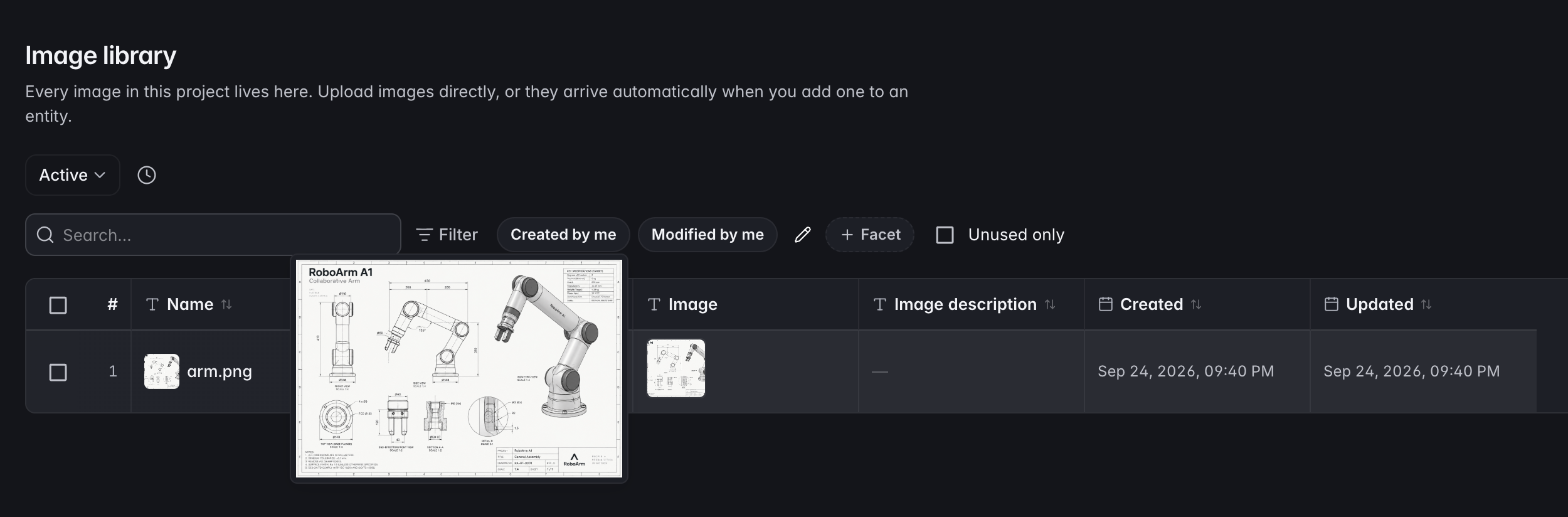
Every image in the project in one place. Upload directly, or let an image arrive in the library automatically when you add it to a record.
In the APIThe same for documents and attachments: one home, referenced from anywhere, with the checksum kept so you know the file has not changed under you.
In the APINumbered pins on an image with a legend beside it, per record and per image. This is how a construction detail gets explained without a paragraph.
Print the fields, BOM, images, and callouts for a record in one document for a tech pack or supplier handoff.
Print a record together with its children as one document, for the times the whole assembly has to travel as paper.
Callouts are captured into the revision along with everything else, so the drawing that was approved is the drawing you can still read a year later.
Start with your product model, connect the records, and bring your team into the same workflow.