
The data grid
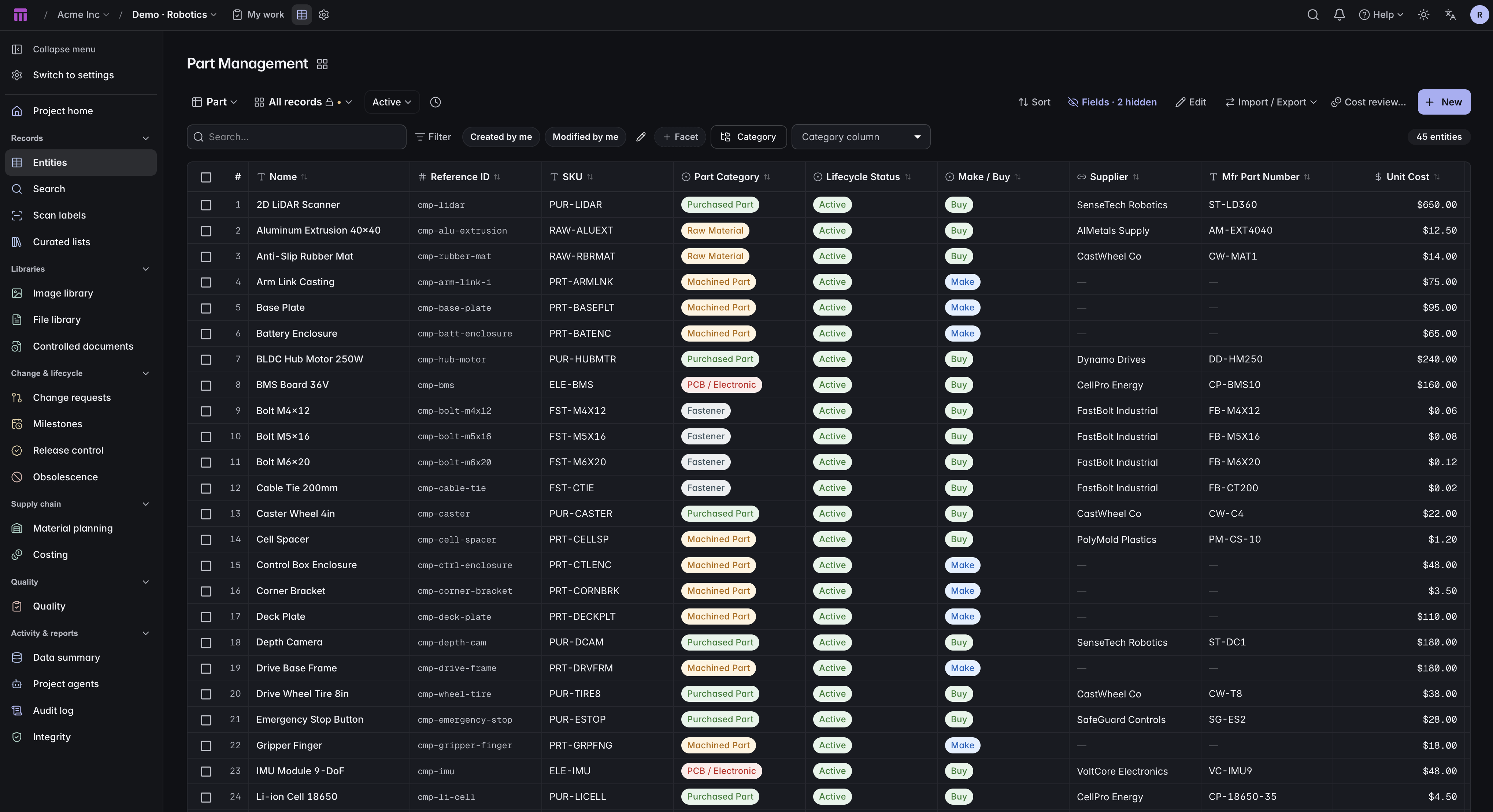
Sort, filter, search, and edit records in one grid. Field validation checks each value as you save, helping your team keep product data consistent.
In the APIFind the right part, keep recurring work in saved views, and update records in bulk. Governed edits go through the same review process as individual changes.
 Click to enlarge
 Sort, filter, search, and edit records in one grid. Field validation checks each value as you save, helping your team keep product data consistent.
In the APISave the columns, filters, sort order, and search you use regularly. Give each view a name so you can return to the same setup.
A facet band over the current result set with a live count on every value. Narrow by status, category, supplier or expiry without writing a filter by hand.
Put a sum, average, minimum, maximum or count under any numeric column. The figure follows the filters, so it answers the question you are actually looking at.
Select rows, set several fields at once, apply. Governed types route the whole batch through a single change request instead of blocking the edit.
In the APIPush a template — a size spec, a milestone plan, a cost sheet — onto every selected record in one pass, and see exactly which records it skipped and why.
One search box across every type in the project. Archived and draft records are returned but labelled, so you find the thing without mistaking its state.
In the APIMap your columns, preview the result, then upload in chunks. Import is a merge: it updates the records it matches and creates the ones it does not, and it can clear a field on purpose.
In the APIExport any grid, filters included. Past the ten-thousand row cap the export continues from where it stopped and the browser follows it automatically.
In the APIFour states, each with its own rules. Drafts still enforce required fields, archived records stay searchable and labelled, and trash holds a deleted record until it is purged.
In the APICopy a record and choose what comes with it: which field groups, which relationships, and whether the bill of materials is carried over.
In the APIStart with your product model, connect the records, and bring your team into the same workflow.