
Assortments and product families
Group products by category and range. Give food, household, and other grocery products the attributes each category needs.
Explore Data modelConnect the assortment with suppliers, product specifications, pack formats, and quality evidence. Keep the decisions behind each launch visible to the team.
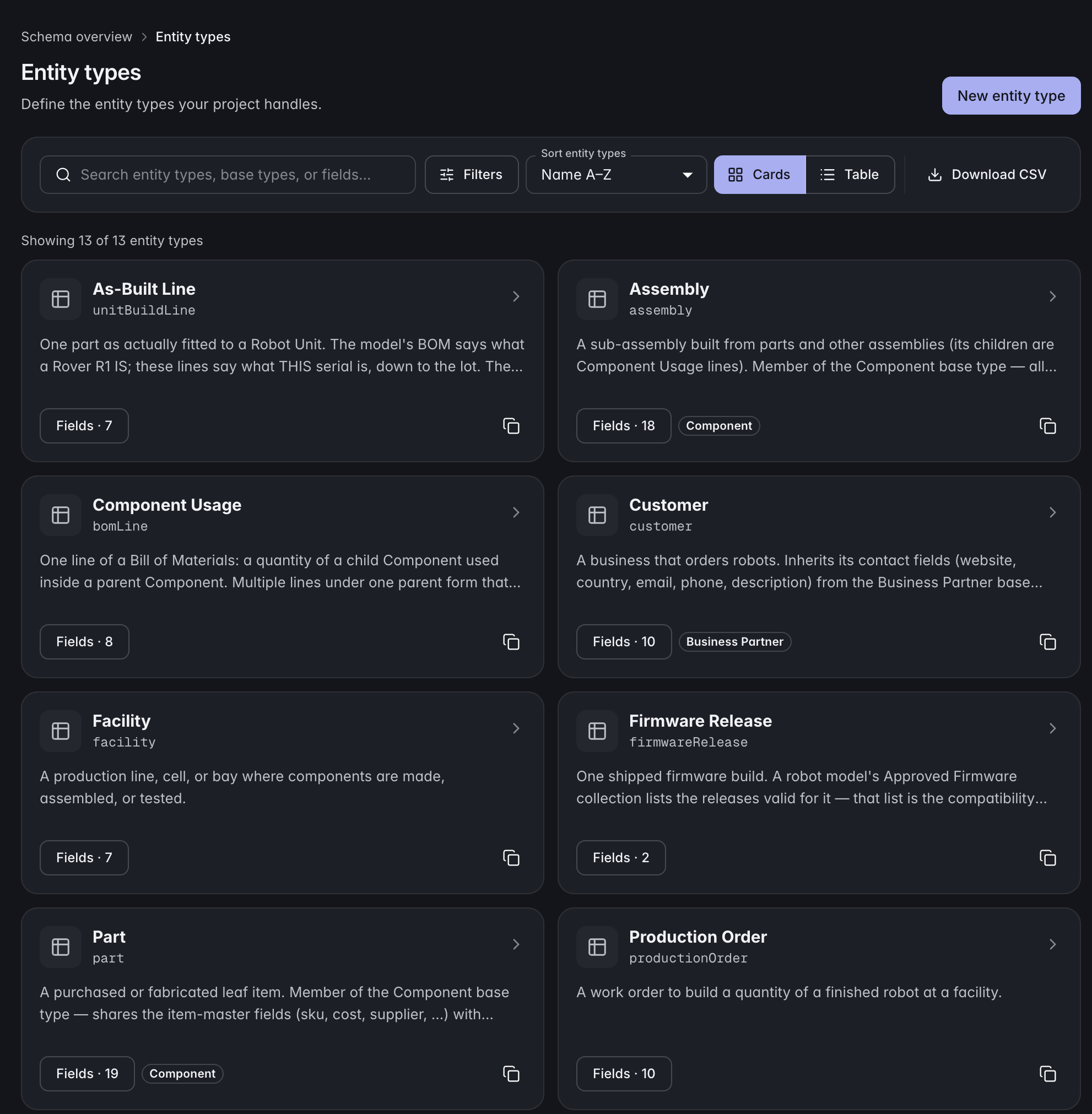 Click to enlarge ↗
Group products by category and range. Give food, household, and other grocery products the attributes each category needs.
Explore Data modelLink each product to its suppliers, pack formats, and supporting documents. Keep specification revisions available for review.
Explore Documents and filesRecord sample checks, supplier qualifications, and quality issues against connected records. Follow corrective actions with their evidence in view.
Explore QualityAssign owners to specification, packaging, and sample review milestones. Follow dependencies and dates through product development.
Explore PlanningExample records to connect
Model product families, SKUs, pack formats, suppliers, and ranges with typed relationships. Shared base types give the assortment common fields while category-specific records retain their own specifications.
ManyRows supports products across industries. Use a starter template, extend the model, or build your own from an empty project.
Explore the modelling toolsYes. Connect product families and SKUs to supplier records, specifications, packaging, and development milestones in a model your team defines.
Yes. Define category-specific attributes and record types while sharing common information such as supplier references and product identifiers.
ManyRows supports product development and its supporting records. Store transactions, pricing execution, and replenishment can stay in your retail systems.
Review the plans and included capacity on the pricing page. You can start with a 7-day trial without a card.