
See your product, part by part.
Keep specifications, images, suppliers, and parts connected to the same product records. Build multi-level BOMs, see quantities for each assembly, and trace where a shared part is used.
Explore products and BOMs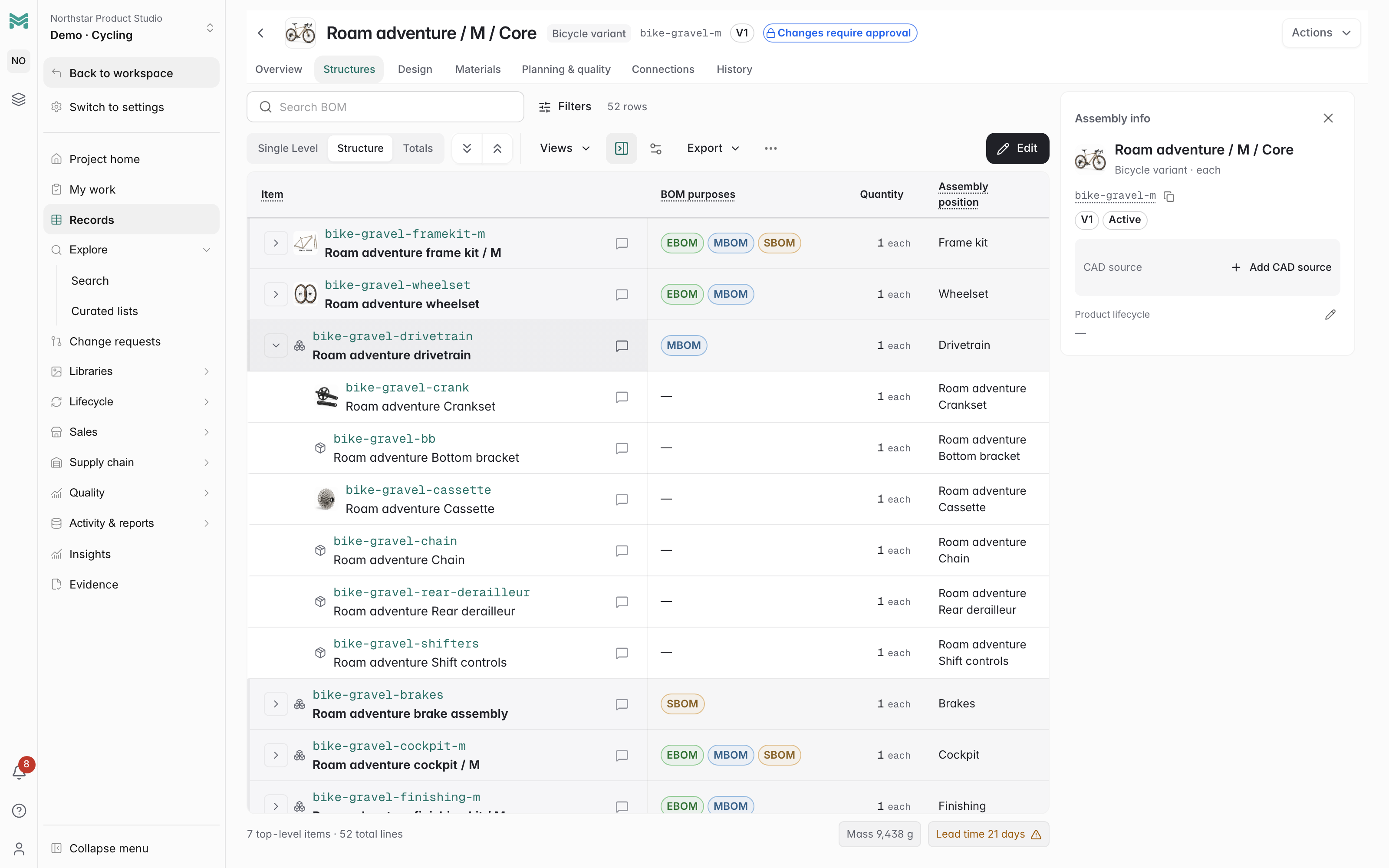
Bring scattered spreadsheets and files into connected product records. ManyRows keeps specs, BOMs, reviewed changes, and sales content together, so your team can follow the same product from development to sale.
7-day free trialNo credit card required
What’s included in the trial?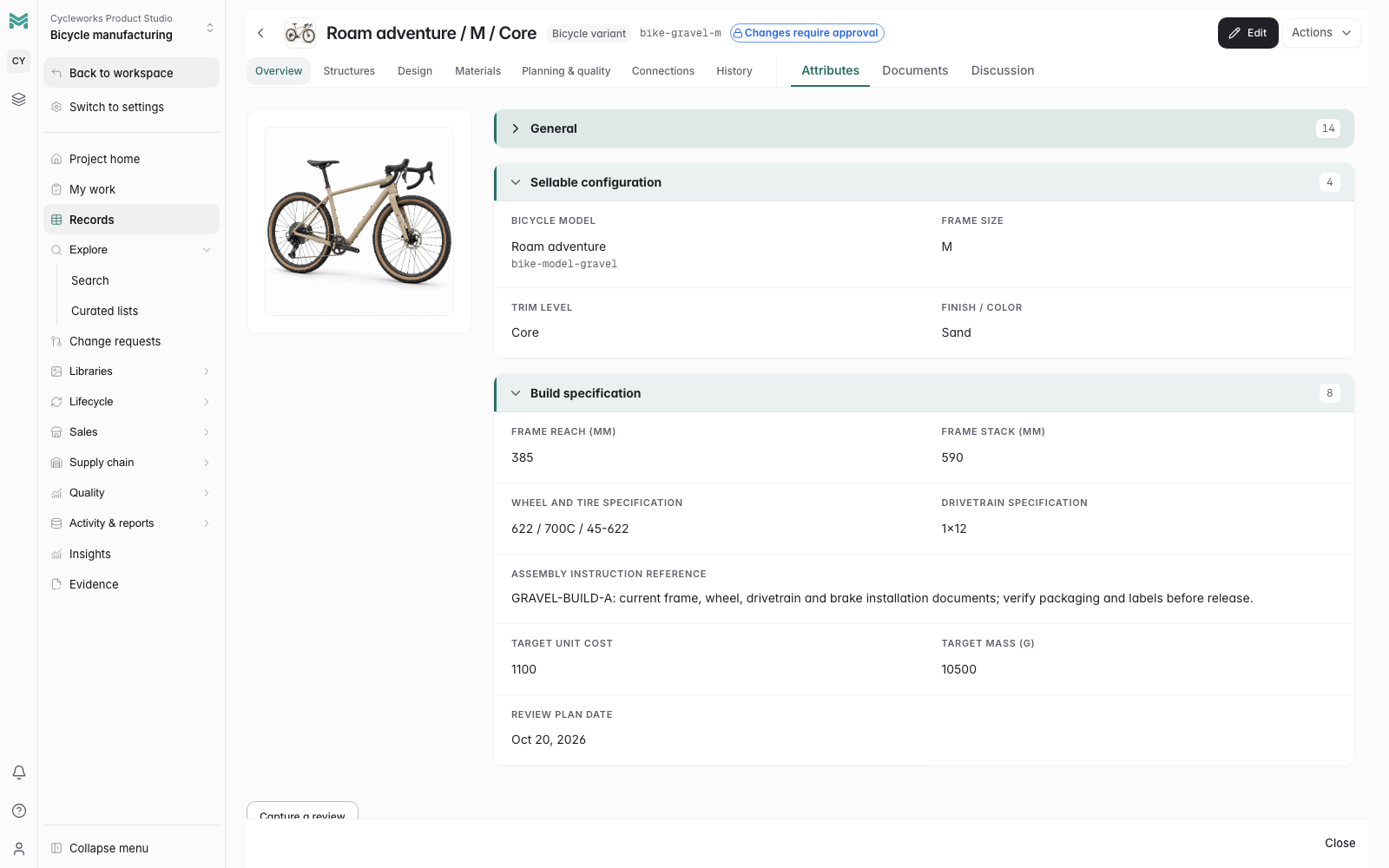
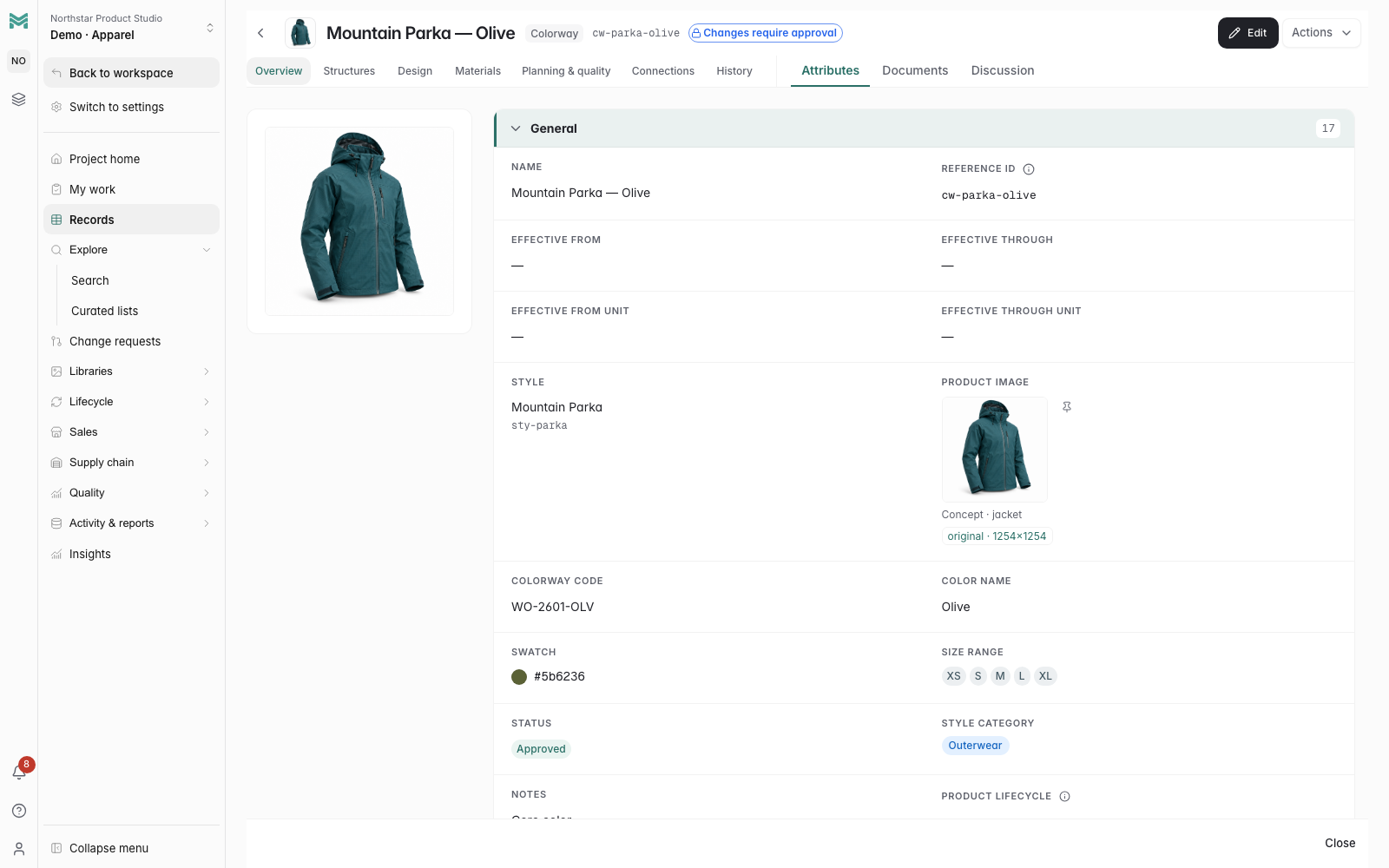
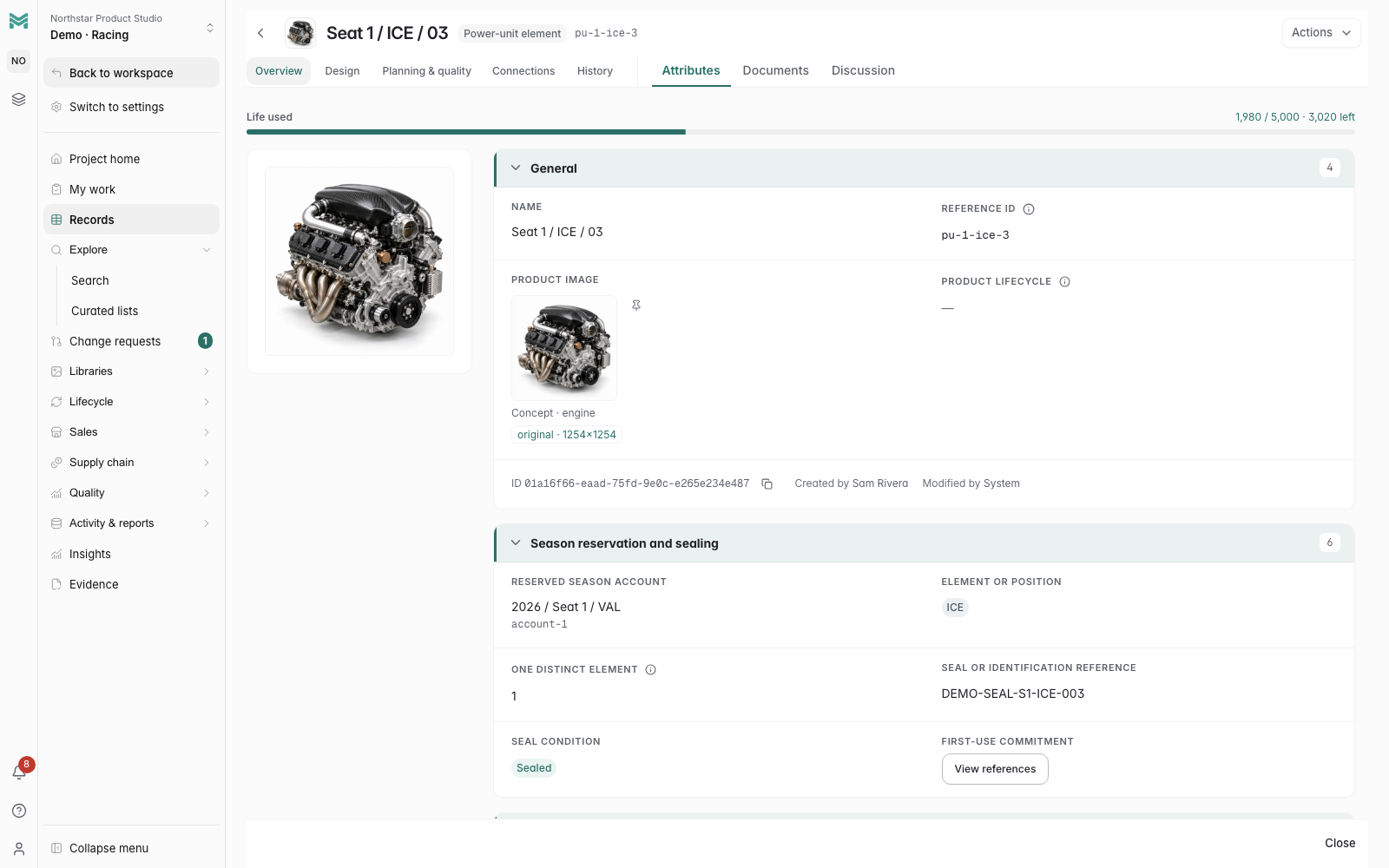
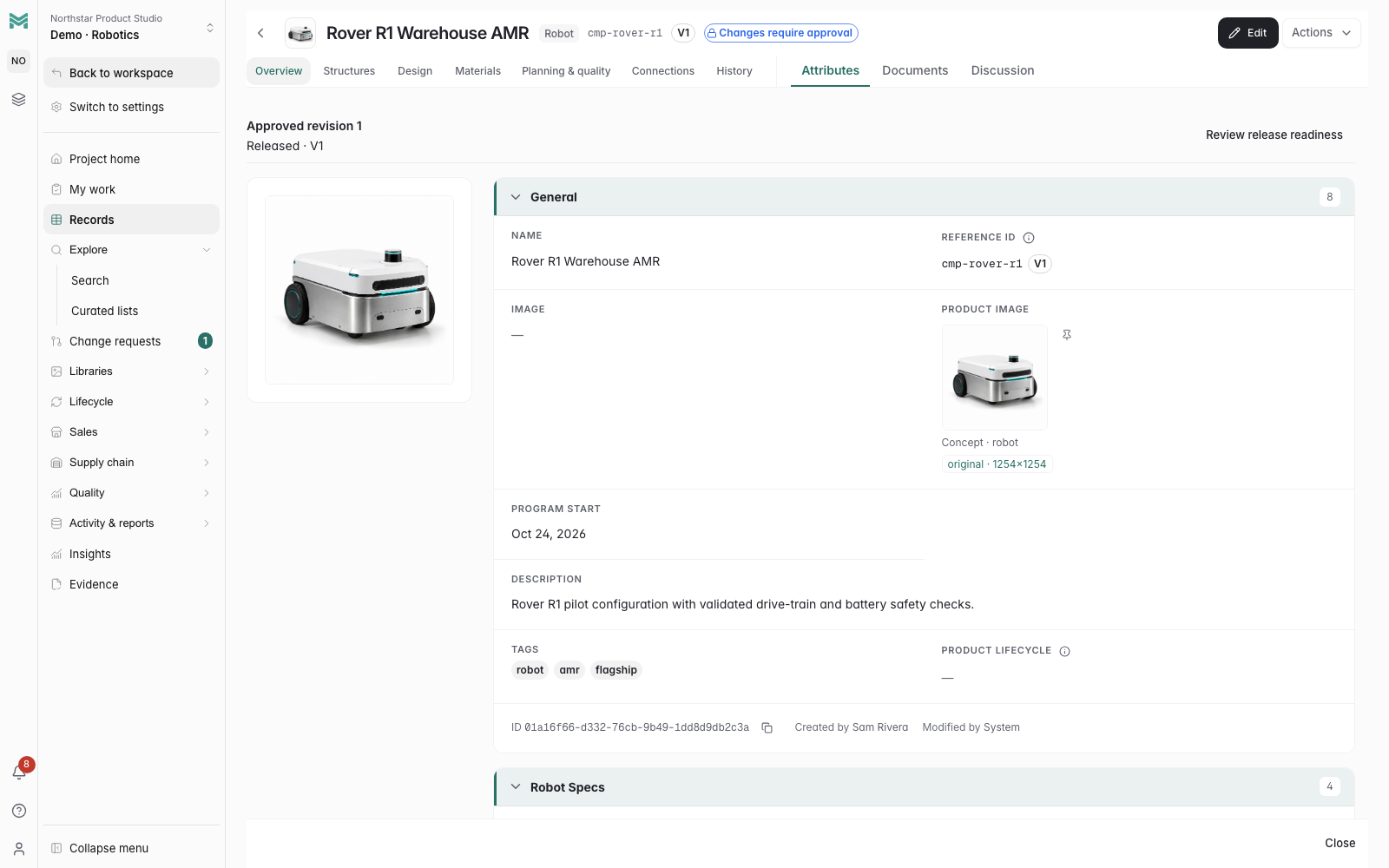
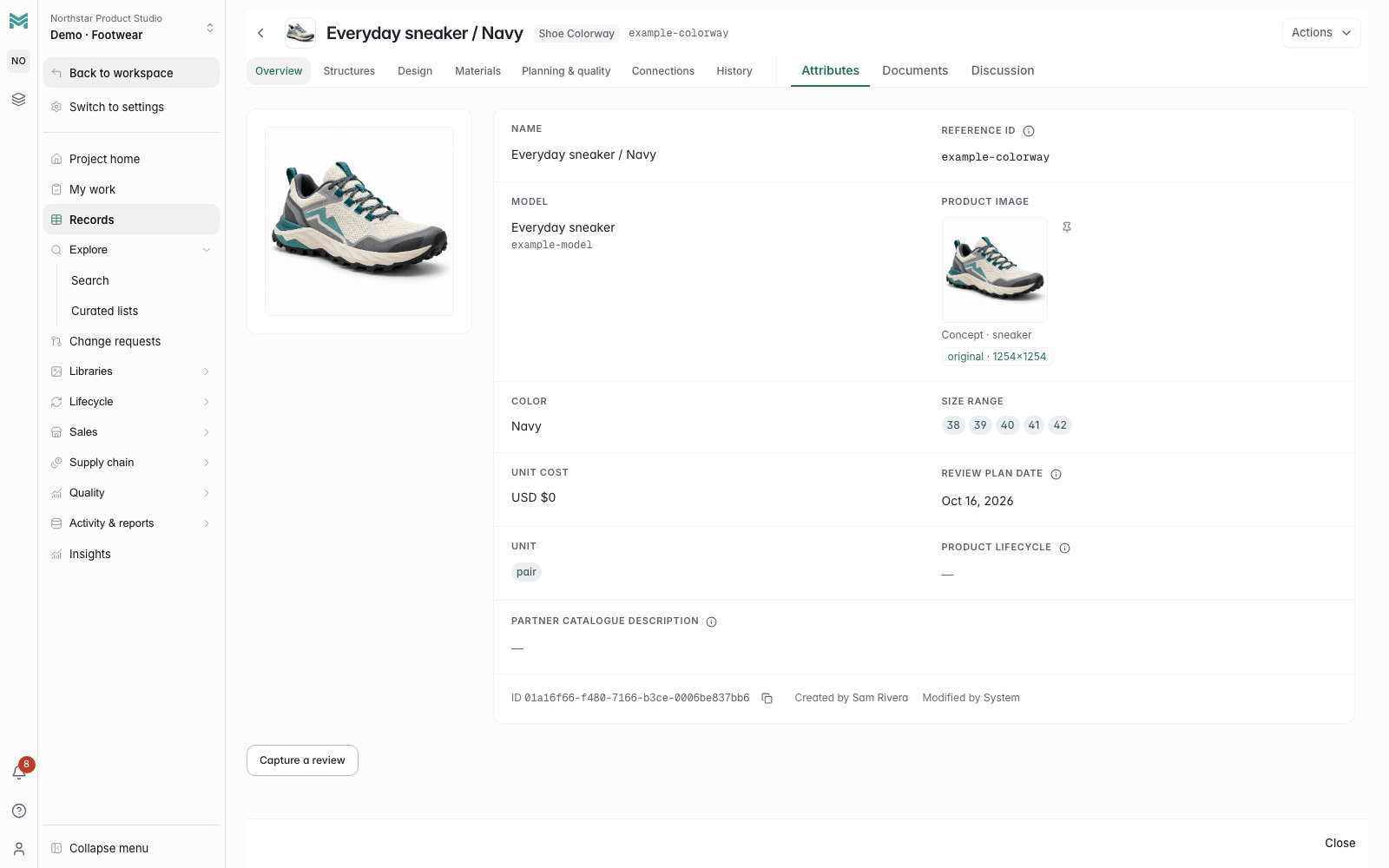
Fictional product data · AI-generated product concepts
Keep specifications, images, suppliers, and parts connected to the same product records. Build multi-level BOMs, see quantities for each assembly, and trace where a shared part is used.
Explore products and BOMsPrepare edits in a working copy and inspect their BOM and cost impacts. Let reviewers approve the change, with the proposal, decision, and revision history kept together.
Explore change control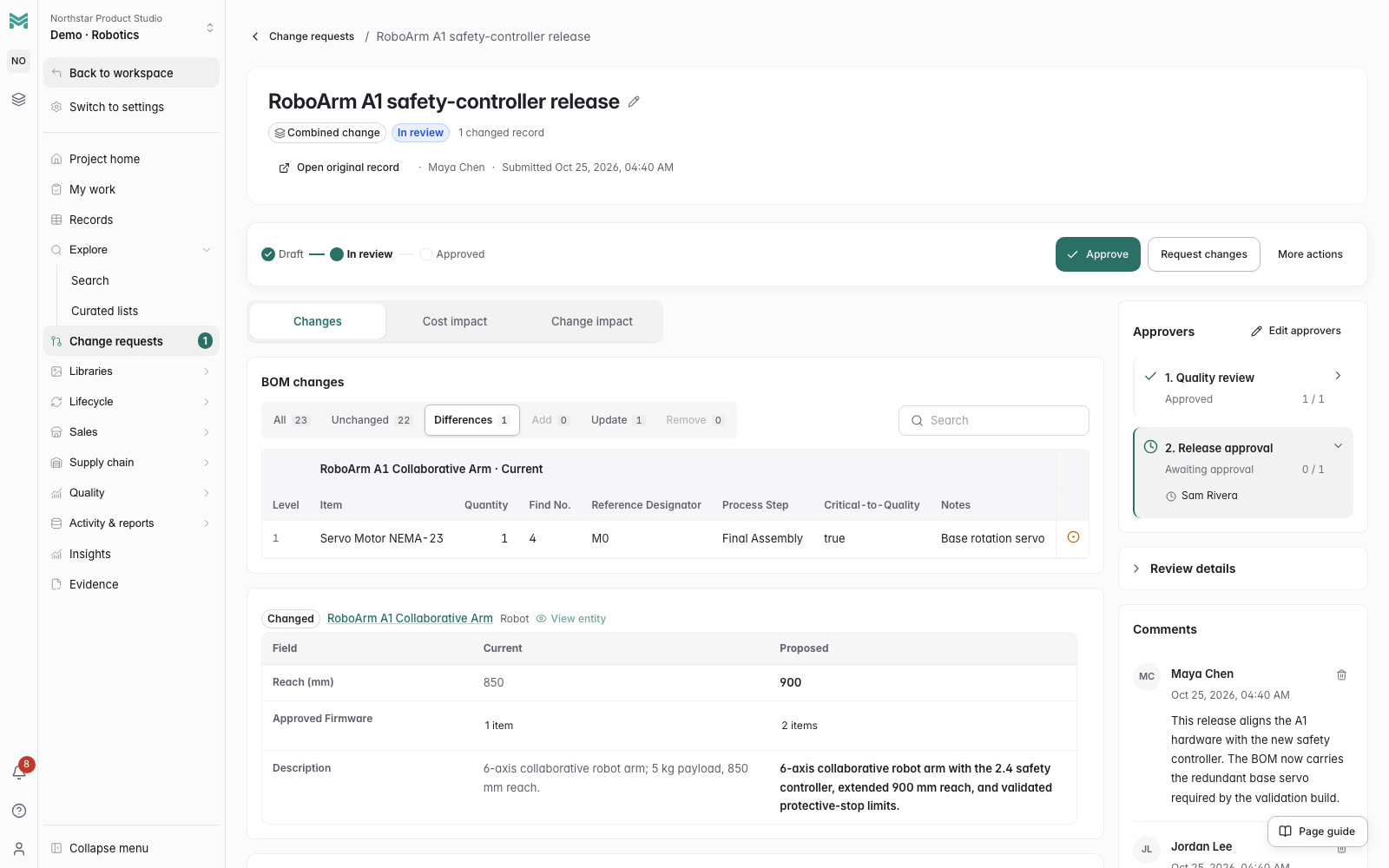
Prepare copy, images, and prices for each channel. Review and save a publication that preserves the information you approved, then export a CSV for your sales tools.
Explore PIM and sales channels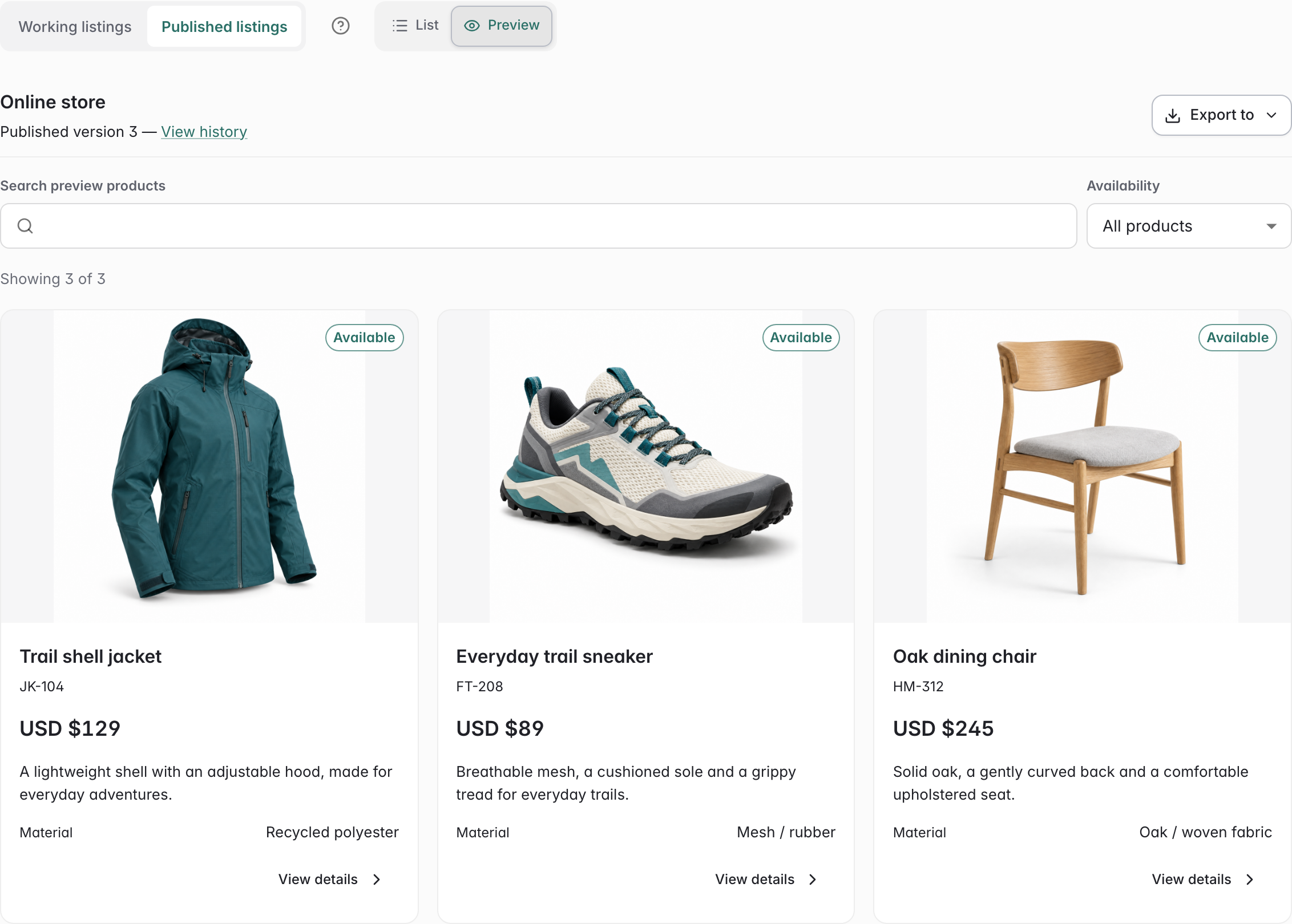
Follow a gravel bicycle into its frame kit, wheelset and drivetrain. The fork, crankset and cassette appear in BOM rows using images attached to their own records.
Recorded in the native ManyRows interface · Fictional product data and AI-generated concept images · English and Korean captions
Explore bicycle manufacturingOpen the walkthrough using the video download link below.
CAD snapshots, AI agents, team updates, and commerce exports.
Build your own product model or start with an industry example.
Start small
Start with the work your team needs today. You can build from there without changing every process at once.
Explore an industry example or define the types, fields, and relationships that fit what you build.
Browse industry examplesBring specifications and components together. Use a BOM to follow quantities and where each part is used.
Explore the product modelPropose an edit, inspect its impact, and follow the approval through to the revision history.
Take the product tourNo. Start with the product records, BOMs, or channel content your team needs. Administrators can choose whether creating or editing each record type requires a change request. Permissions, frozen records, and release-control rules still apply.
Review channel content and save a publication in ManyRows, then export a CSV for a separate import into your sales tools. Automatic storefront synchronization requires a separate integration.
Create your product records, invite your team, and add the workflows you need.
7-day free trial · No credit card required