
Agent activity and review handoffs
Workspace owners and project administrators can follow recorded agent actions, the authorizing person, and linked reviews. Open the review inbox to work through pending approvals and returned changes.
Bring reviewers, product teams, and connected agents into the same workflow. Follow pending decisions across projects and share product records with suppliers.
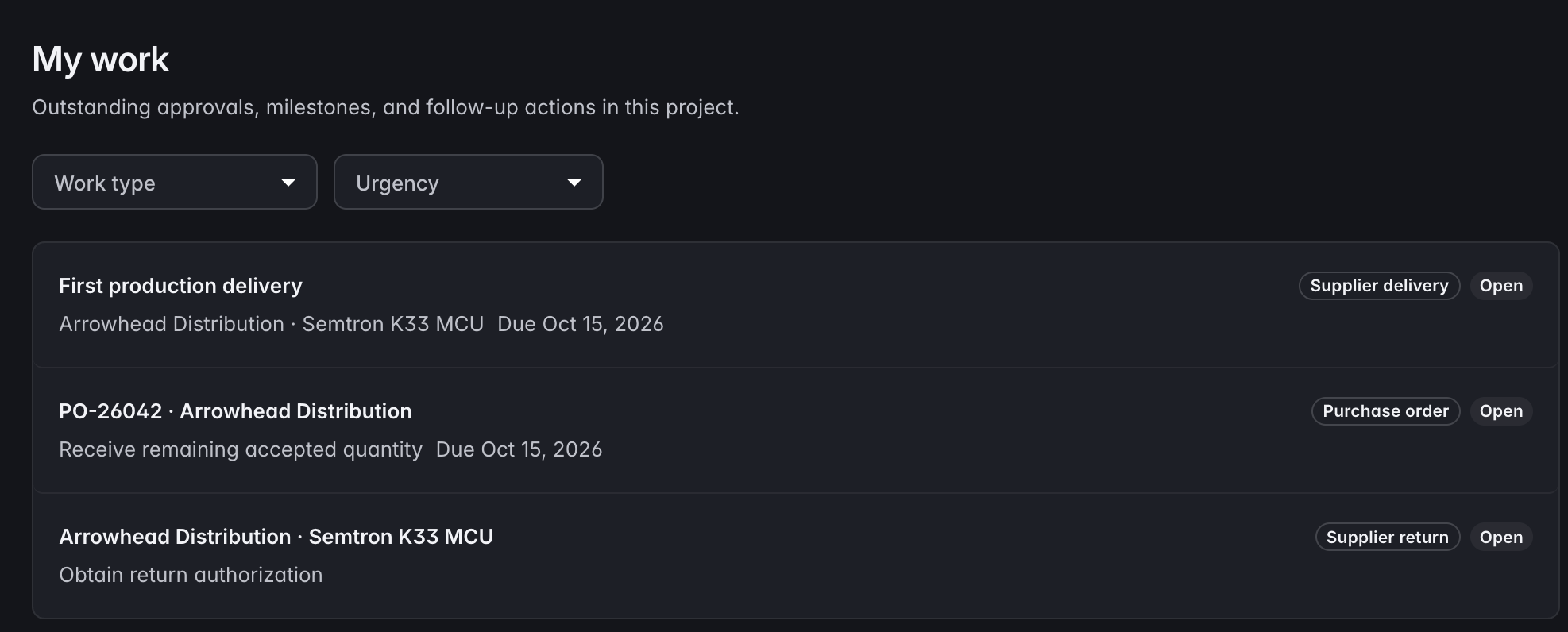 Click to enlarge
 Workspace owners and project administrators can follow recorded agent actions, the authorizing person, and linked reviews. Open the review inbox to work through pending approvals and returned changes.
Connect a compatible AI client to the project’s hosted MCP endpoint. The agent guide explains effective access and task entry points; project permissions and workflow rules still govern each action.
In the APIOrganize work into projects, each with its own product model, records, and team access. Manage your projects within a shared workspace.
Owner, admin, data admin and data viewer, assigned per project. Someone can own the model in one project and only read another.
Send a frozen, print-ready record to a supplier, factory or lab with no account and no seat. Choose fields, images, measurements and BOM content, add a recipient mark and optional passphrase, then set an expiry or revoke it early.
See every link issued from the project, what it exposes, who sent it, who it was prepared for and whether it was opened. Search and export the register or inspect a privacy-reduced access history when you need the evidence.
Discuss a product or proposed change on the record itself, keeping questions and decisions next to the information they concern.
Watch a record to hear about it, bookmark the ones you keep returning to, and pin the types you work in to your project home page.
One page across every project you belong to, for the times the question is bigger than a single project.
Notify your ERP or other connected systems when product data changes. Signed events let your integration verify the source without repeatedly checking for updates.
In the APIConnect other tools to product models, records, BOMs, and change requests through the REST API. Validation and version checks help integrations make consistent updates.
In the APIReceive outstanding approval requests by email, so reviewers can see what needs their attention between visits to the workspace.
Export the configuration, records, or complete project as a bundle. Keep a portable copy or use it to create a new project.
In the APIStart with your product model, connect the records, and bring your team into the same workflow.