For specialist vehicle manufacturers, kit car builders and conversion teams. Connect the model you design, the configuration a customer orders and the parts actually fitted to each chassis.
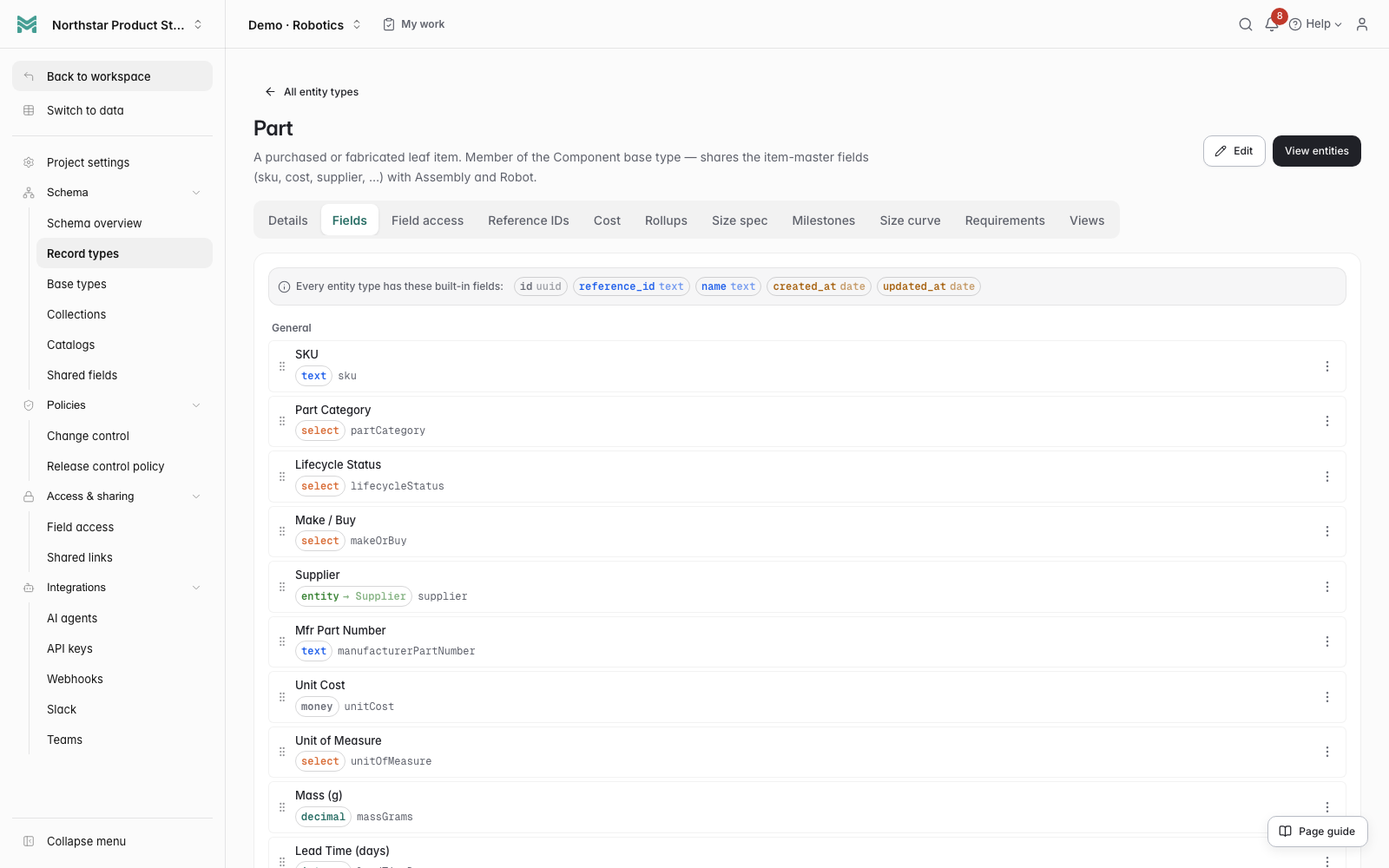
Click to enlarge ↗ManyRows product modelling tools. Define the fields and relationships your vehicles need.
Start with a connected workflow
Preview the model before applying it. Include the optional fictional examples to follow the first steps below, or begin with your own records.
Automotive and specialty vehicle manufacturing
Vehicle design, kit cars and low-volume customer builds
For specialist manufacturers, kit car builders and vehicle conversion teams. The walkthrough follows a combustion roadster, its shared chassis BOM, prototype findings and customer build. Choose the full examples to compare the electric configuration as well, or start with your own records.
Costed shared assemblies and configuration-specific powertrains
Prototype observations and linked repeat attempts
Chassis build numbers, installed parts and service records
First steps after applying
Choose your starting records
With walkthrough examples, open Aster Roadster - combustion and expand its shared rolling chassis BOM. The full example set also includes an electric configuration for comparison. If you start without examples, use the setup guide to create your vehicle model and first configuration.
Review prototype findings and the design revision
Retain the walkthrough's mounting-clearance failure and pending repeat, or create a prototype check for your own configuration. Record actual measurements, method, conditions and evidence. Approve the configuration and activate the checks for live work. Complete the separate required inspections before internal release.
Follow the customer build and installed parts
Open or create a Customer Vehicle Build linked to your configuration and record the exact design revision and requirements used. Review its actual installed components, quantities and serial or lot references. When the build and its fitment records are ready for live work, activate the build. Start a service follow-up from an installed-part record to retain the exact fitment and its serial or lot reference. Enter fresh work findings and evidence for the job.
Example records are fictional; your team records actual findings and makes approval decisions. Read the starter guide→
From the design BOM to the individual build.
Models and customer configurations
Define a vehicle model, then create the configurations you build. Keep the powertrain, wheelbase, target mass and requirements with each configuration.
Expand chassis and powertrain assemblies into their parts and quantities. Reuse components across configurations, review where-used and follow supplier costs through the BOM.
Record what was actually observed on a prototype, including measurements, method, conditions and evidence. Link a fresh repeat to the earlier finding so the history remains available.
Keep a chassis or build number, customer and recorded design revision with each individual vehicle. Record actual fitted parts, quantities, serials or lots and installation evidence separately from the design BOM. Link service jobs to the exact installed-part record.
Prepare a change, review its effect on the configuration and preserve the approved revision. Record the required inspections before certifying an internal design release.
Ask AI agents to find a supplier part, list the vehicle configurations that use it, or prepare a change request. Your team reviews the proposed changes.
Choose the walkthrough to follow a fictional combustion roadster, its costed BOM, prototype correction and individual build. The full examples also include an electric configuration and its prototype build. A separate two-car combustion pilot order shows planned material quantities. The example BOM is deliberately abbreviated; add the parts and assemblies your design needs. Adapt the fields and workflows to the vehicles your team actually makes.
ManyRows supports products across industries. Use a starter template, extend the model, or build your own from an empty project.
Specialist vehicle manufacturers, kit car builders, converters and small automotive engineering teams managing vehicle designs and individual builds. You can adapt the model for cars, commercial conversions and other specialty vehicles.
Can different configurations share a chassis or component?+
Yes. The example combustion and electric configurations share one rolling chassis assembly and use different powertrain parts. Each configuration keeps its own BOM. Where-used shows which designs reference a shared part.
How are the design and the physical build kept separate?+
A Vehicle Configuration holds the intended design BOM. A Customer Vehicle Build has its own installed-part structure and recorded design revision. Enter the actual parts and fitting evidence for that chassis; linking the current configuration alone does not freeze a historical revision. Native structure baselines and configuration releases retain reviewed design structures.
Can we bring our existing parts lists?+
Yes. Import record lists using CSV mapping and preview, then use indented BOM import for multi-level parts structures. Review the imported references, units and quantities before using them for a build.
Can you adapt workflows and integrations?+
We take customer workflow and integration requests and agree a practical scope together. If a requested workflow benefits the product as a whole, we can build it at no extra cost. Ask about your workflow →
Does an internal design release approve a vehicle for road use?+
No. The starter connects your engineering records, prototype observations and internal approval evidence. Your team handles any applicable vehicle approval, testing and external certification separately.
Where can I find pricing?+
Review the plans and included capacity on the pricing page. You can start with a 7-day trial without a card.