A model for the assortment
Define categories, product families, and variants with the attributes each needs. Share common fields across related product types.
Explore Data modelBring product development, supplier decisions, samples, and launch dates into one model. Give each category its own specifications while keeping the range connected.
 Click to enlarge ↗
Define categories, product families, and variants with the attributes each needs. Share common fields across related product types.
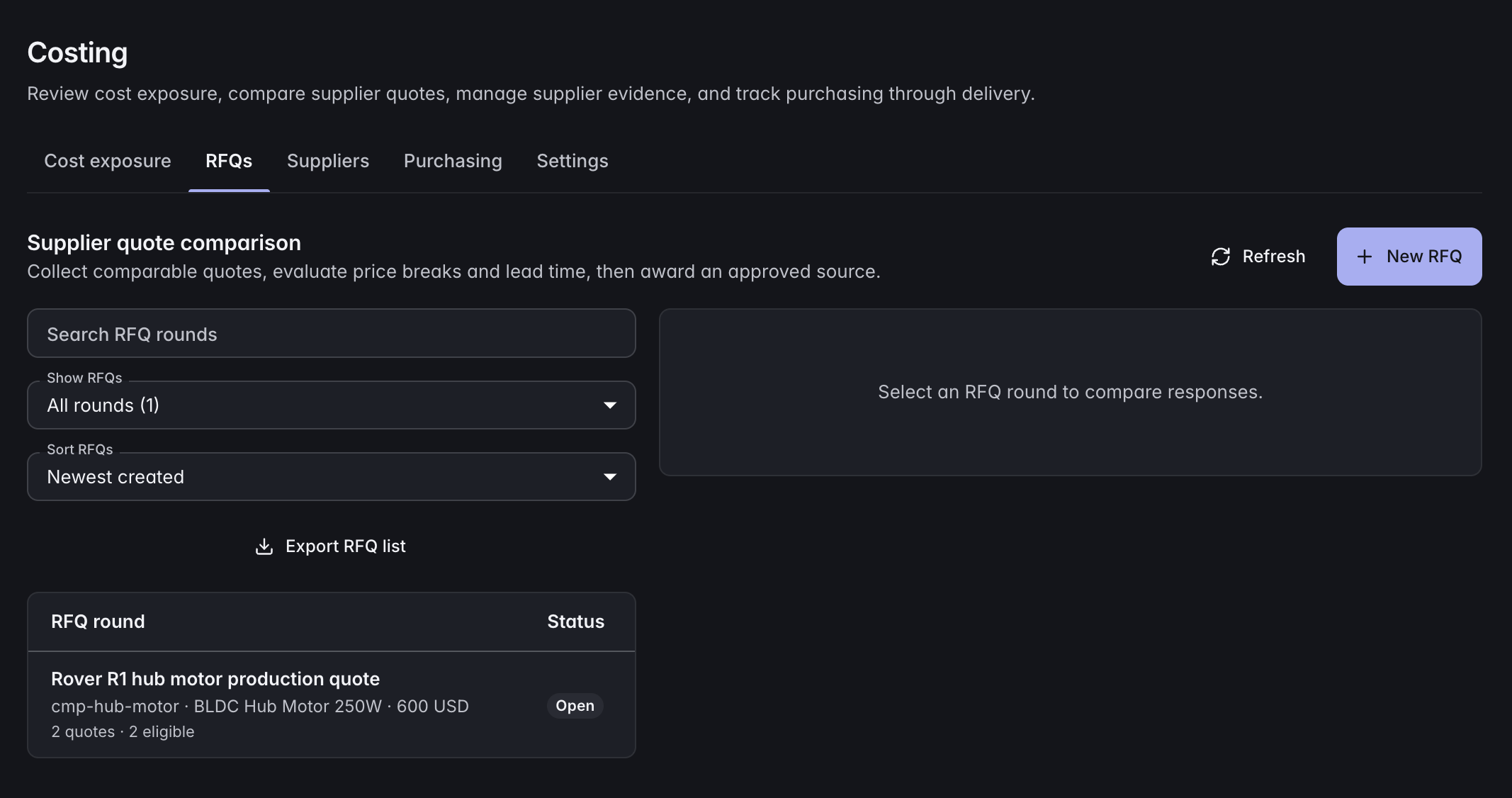
Explore Data modelConnect requests for quotes and supplier responses to product records. Follow materials and component costs through the product structure.
Explore CostingKeep sample results, inspection checks, and supporting files with the product. Record quality issues and follow the associated corrective actions.
Explore QualityPlan specification, sampling, and production milestones with named owners and dependencies. Keep the launch schedule connected to the range.
Explore PlanningExample records to connect
Clothing, homewares, and electronics can have distinct types and specifications in the same workspace. Connect each category to shared supplier and assortment records without forcing every product into the same fields.
ManyRows supports products across industries. Use a starter template, extend the model, or build your own from an empty project.
Explore the modelling toolsYes. Define different record types and category attributes, then share common supplier, range, and product-family information through relationships.
Yes. Link RFQs and supplier quotes to the records they cover, so sourcing decisions remain connected to product specifications and costs.
ManyRows manages product development records, sourcing, quality, and reviewed changes. Your point-of-sale and commerce systems handle transactions.
Review the plans and included capacity on the pricing page. You can start with a 7-day trial without a card.